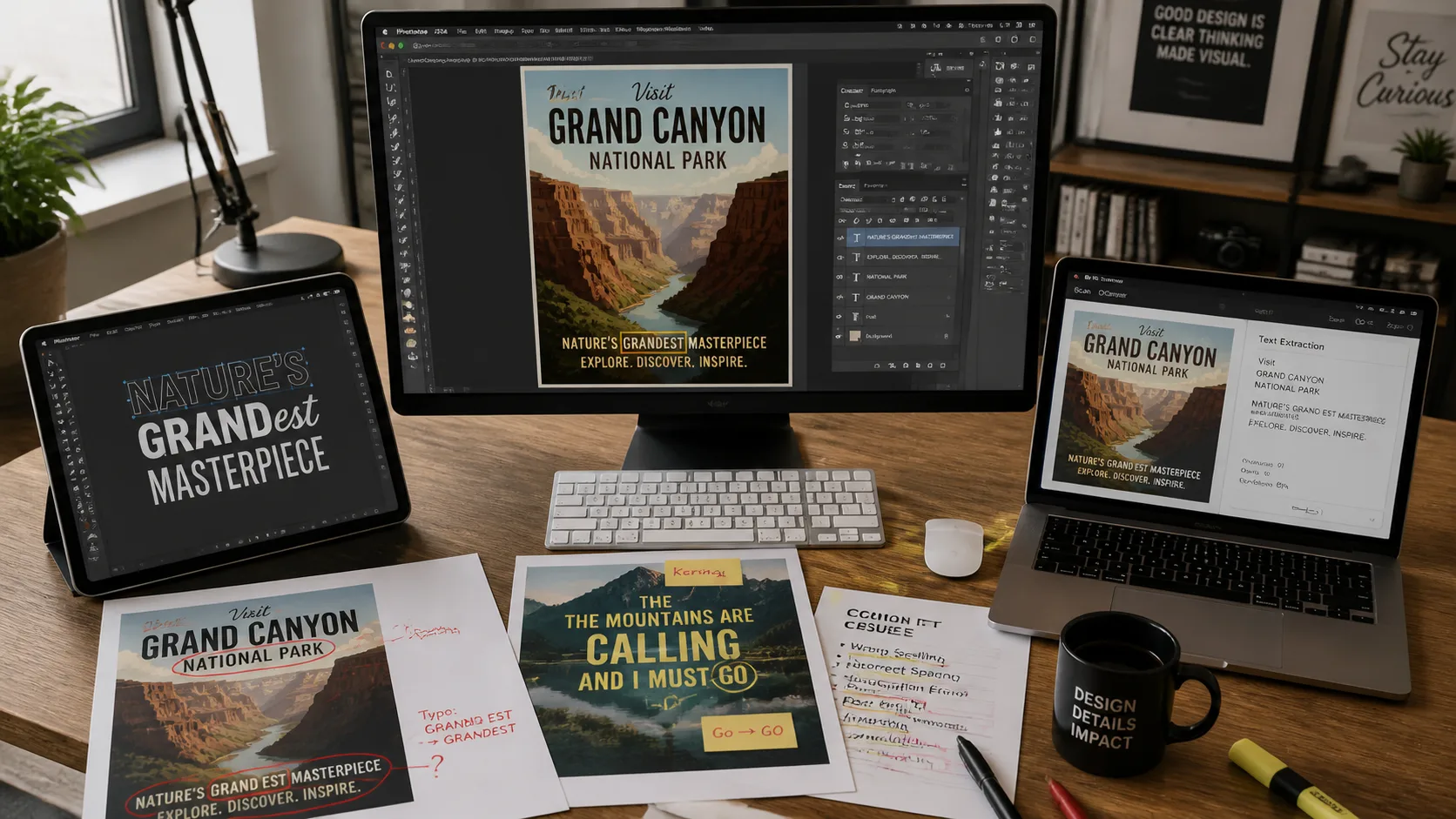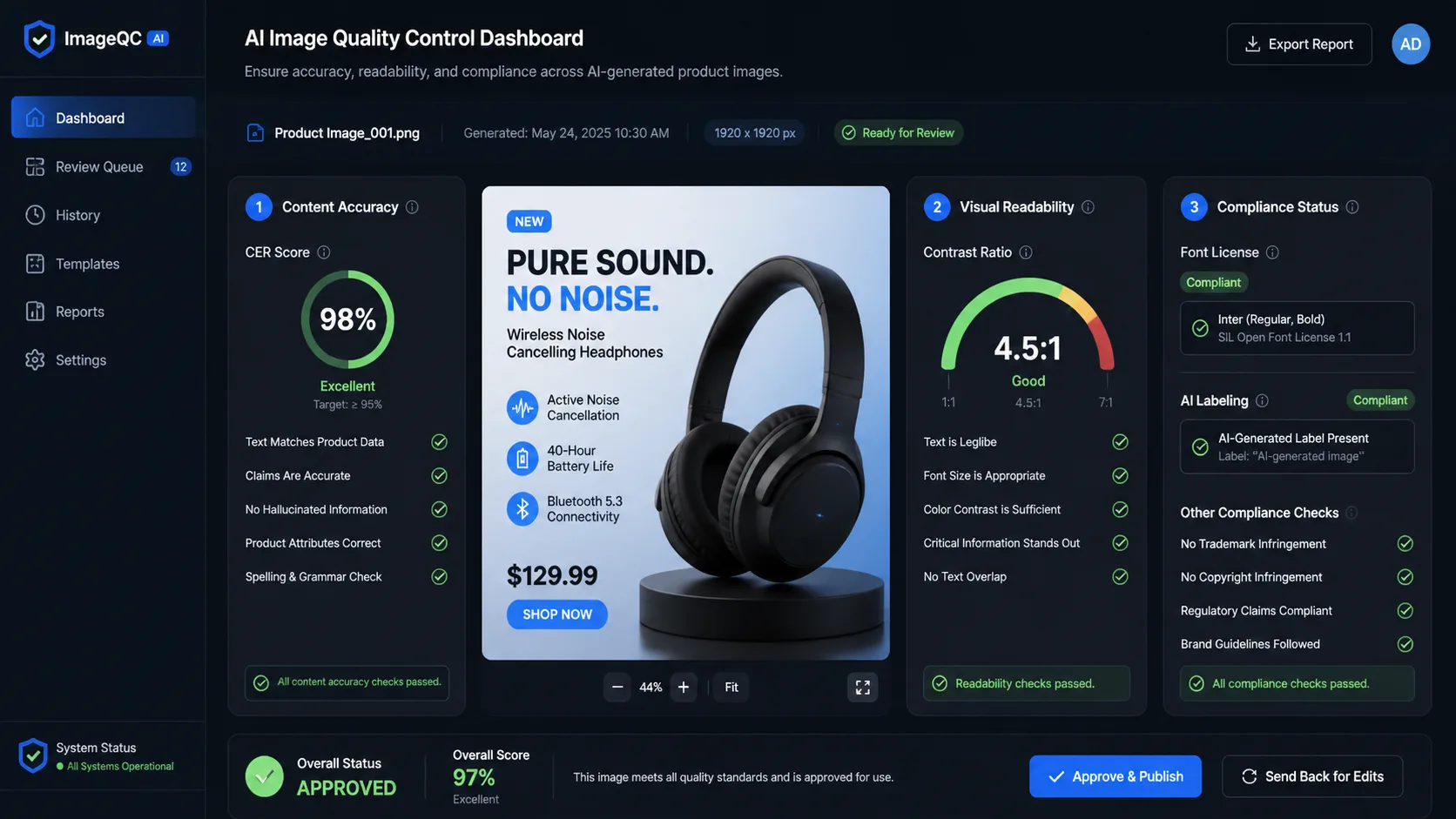
I keep getting the same question: "Why are the images I generate with GPT Image 2 never good enough?"
I keep getting the same question: "Why are the images I generate with GPT Image 2 never good enough?"
The short answer is — your prompts aren't good enough.
The longer answer is — GPT Image 2's image generation capabilities have improved significantly, but most users' prompt quality hasn't kept up. This isn't a model problem; it's a communication problem between you and the model.
This article provides a reusable prompt structure formula to help you more reliably control subject, style, lighting, composition, and output parameters. We'll cover templates for 10 common scenarios that you can adapt and use directly.
Why GPT Image 2 Needs Prompt Engineering
GPT Image 2 works best with clear, natural-language descriptions of image goals. But here's the key point: the actual output quality of the model depends heavily on the quality of your prompt.
For the same requirement, using different prompts will produce very different results.
Bad prompt:
"一只猫"Good prompt:
"一只橘色虎斑猫坐在窗台上,阳光从左侧45度角照射,背景是模糊的城市夜景,浅景深效果,温暖色调,专业宠物摄影风格"The difference usually isn't just about how many visual details are included, but whether the subject is accurate, the composition is usable, and the style matches expectations.
GPT Image 2 works best with structured prompts to express intent. It doesn't just match keywords — it also understands scene logic and missing details based on context. This means the clearer your prompt, the easier it is for the model to generate an image that's close to your goal.
Prompt Structure Formula
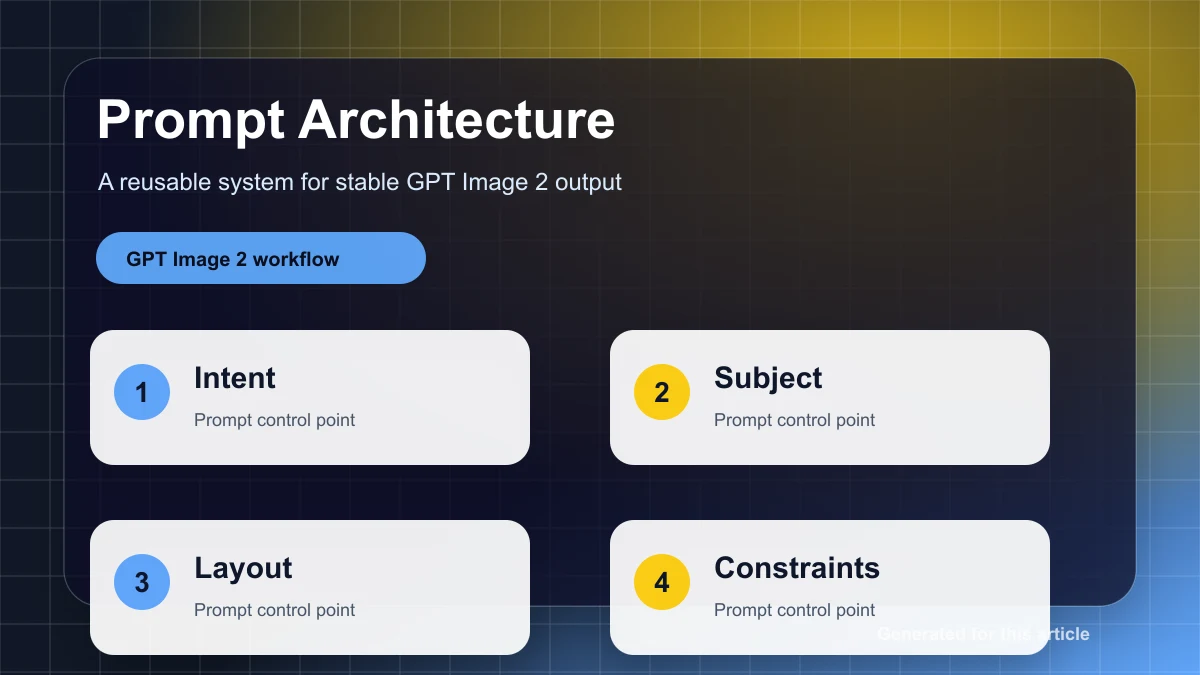
A reliable image prompt can typically be broken down into 5 elements:
Subject + Style + Lighting + Composition + ParametersDetailed explanation for each dimension:
1. Subject
The subject is the core object of the image. The description should be specific and precise.
Counterexamples:
- "一个人" → Too vague
- "一个女人" → Slightly better, but not enough
Good examples:
- "一位30岁左右的亚洲女性,黑色长发,穿着白色衬衫,坐在办公桌前使用笔记本电脑"
- "一只金毛寻回犬,嘴巴张开,舌头伸出,正在追逐飞盘"
Key tips:
- Include details such as age, gender, ethnicity, clothing, and actions
- Use specific nouns instead of generic terms
- Describe emotions and posture
2. Style
Style defines the artistic expression form of the image.
Common style options:
- Photorealistic photography:
photorealistic,professional photography,8K resolution - Illustration:
digital illustration,watercolor painting,oil painting - 3D rendering:
3D render,Unreal Engine 5,octane render - Flat design:
flat design,minimalist,vector art - Anime:
anime style,manga,Studio Ghibli style
Examples:
"产品摄影风格,白色背景,柔和的工作室灯光"
"赛博朋克风格,霓虹灯光,雨夜街道"
"水彩插画风格,柔和的色彩渐变,手绘质感"
3. Lighting
Lighting determines the mood and texture of the image.
Lighting types:
- Natural light:
natural lighting,golden hour,overcast soft light - Studio light:
studio lighting,soft box,rim light - Dramatic light:
dramatic lighting,chiaroscuro,backlit - Ambient light:
ambient lighting,neon glow,candlelight
Examples:
"黄金时段的自然光,温暖的橙色调"
"工作室环形灯,均匀的面部照明"
"逆光剪影效果,强烈的明暗对比"
4. Composition
Composition controls the position and relationships of elements in the frame.
Composition techniques:
- Perspective:
bird's eye view,low angle shot,close-up,wide shot - Composition rules:
rule of thirds,centered composition,symmetrical - Depth of field:
shallow depth of field,bokeh background,deep focus - Lens:
35mm lens,macro lens,fisheye lens
Examples:
"特写镜头,浅景深,背景虚化"
"俯视角度,对称构图"
"广角镜头,前景、中景、背景层次分明"
5. Parameters
Parameters are the technical settings used during API calls.
Common parameters:
size: Image dimensions (e.g., 1024x1024, 1536x1024)quality: Quality level (standard, hd)style: Style preference (vivid, natural)n: Number of images to generate
Example:
{
    "size": "1536x1024",
    "quality": "hd",
    "style": "natural",
    "n": 1
}
10 Scenario-Based Prompt Templates
Below are 10 prompt templates for common scenarios that you can use directly:
1. Product on White Background
Use cases: E-commerce product displays, catalog images
Template:
"[Product name], [product detail description], pure white background, product photography style, soft studio lighting, no shadows, high resolution, commercial product photography"Example:
"无线蓝牙耳机,黑色磨砂质感,充电盒打开状态,纯白色背景,产品摄影风格,柔和的工作室灯光,无阴影,8K分辨率,商业产品摄影"2. Lifestyle Marketing Image
Use cases: Social media ads, brand promotions
Template:
"[Product/subject] in [usage scenario], [person/environment description], [mood description], [lighting description], [style description]"Example:
"智能手表在户外跑步场景中,年轻男性佩戴,城市公园背景,清晨阳光,充满活力的氛围,专业运动摄影风格"3. Portrait Photography
Use cases: Profile pictures, personal introductions, social media
Template:
"[Person description], [expression/emotion], [clothing description], [background description], [lighting description], [composition description], professional portrait photography"Example:
"30岁左右的亚洲女性,自信的微笑,穿着深蓝色西装,简约的办公室背景,柔和的侧光,半身特写,专业商务人像摄影"4. Illustration/Cartoon
Use cases: Children's books, blog illustrations, brand mascots
Template:
"[Character/scene description], [art style], [color palette], [mood description]"Example:
"一只可爱的卡通小熊在森林里野餐,迪士尼动画风格,明亮的色彩,温馨愉快的氛围"5. UI/UX Design Mockup
Use cases: Product prototypes, design presentations
Template:
"[Interface type] interface design, [functionality description], [design style], [color scheme], [device display]"Example:
"移动端电商应用界面设计,商品详情页,现代简约风格,蓝白配色,iPhone 15 Pro 展示,高保真原型"6. Social Media Cover
Use cases: YouTube thumbnails, Instagram posts, Twitter header images
Template:
"[Topic description], [visual elements], [text placement reservation], [style description], [aspect ratio]"Example:
"科技产品发布会封面,未来感十足的蓝色渐变背景,中央留白用于标题文字,现代科技风格,16:9横版比例"7. Brand Logo
Use cases: Company marks, brand identities
Template:
"[Brand name/concept] logo design, [graphic element description], [font style], [color scheme], [design style], vector image, white background"Example:
"NovaTech Logo 设计,抽象的火箭图形,现代无衬线字体,深蓝色和银色配色,极简主义风格,矢量图,白色背景"8. Food Photography
Use cases: Restaurant menus, food blogs, food packaging
Template:
"[Food name], [plating description], [tableware/environment description], [lighting description], [style description], professional food photography"Example:
"意大利面配番茄酱和罗勒叶,白色陶瓷盘盛放,木质餐桌背景,自然窗光,暖色调,专业美食摄影,浅景深"9. Architecture/Interior Design
Use cases: Real estate presentations, design proposals, concept visualization
Template:
"[Building/space type], [style description], [material/color description], [lighting description], [perspective description], architectural photography"Example:
"现代简约风格客厅,白色墙壁和原木家具,大面积落地窗,自然光线充足,广角镜头视角,建筑室内摄影"10. Concept Art
Use cases: Game art, film concept visuals, creative projects
Template:
"[Scene/character description], [world/style description], [mood description], [technical specifications], concept art"Example:
"未来城市天际线,霓虹灯和飞行汽车,赛博朋克世界观,雨夜氛围,8K分辨率,电影级概念艺术,Matte Painting风格"How API Parameters Affect Results
Beyond the prompt content, API parameters also directly affect the generated output.
Size
Common sizes and use cases:
1024x1024: Square, suitable for social media posts, profile pictures1536x1024: Landscape, suitable for blog illustrations, presentations1024x1536: Portrait, suitable for phone wallpapers, posters1792x1024: Widescreen, suitable for YouTube thumbnails, banner ads
Recommendation: Choose the size based on the final use case to avoid losing content through cropping.
Quality
Option comparison:
standard: Faster generation, lower cost, suitable for prototyping, rapid iterationhd: Higher detail, sharper edges, suitable for final delivery, print use
Trade-off: HD quality takes longer to generate and costs more. It is recommended to use standard during the iteration phase and hd for the final version.
Style
Option comparison:
vivid: More saturated colors, stronger contrast, suitable for marketing materials, social medianatural: More realistic color reproduction, suitable for product photography, documentary style
Recommendation: Choose based on brand tone and use case.
N (Number)
Strategy:
n=1: Single generation, suitable for deterministic requirementsn=2-4: Batch generation, suitable for scenarios where you need to pick the best result
Cost tip: The higher the n value, the higher the cost. It is recommended to test the prompt with n=1 first, then batch-generate once you're satisfied.
Iterative Optimization Process
Rarely does a prompt produce a perfect result on the first try. Here is a 5-step iterative optimization method:
Step 1: Initial Generation
Generate the first version of the image using a basic prompt and evaluate whether the overall direction is correct.
Step 2: Problem Diagnosis
Common problem types:
- Incorrect colors: Missing or vague color descriptions
- Composition deviation: Missing perspective, depth of field, or element placement descriptions
- Style mismatch: Style keywords are not specific enough
- Missing details: Subject description is not detailed enough
Step 3: Priority Adjustment
Priority strategy for modifying prompts:
- Subject description (highest priority): Ensure the core object is correct
- Style definition (high priority): Determine the artistic direction
- Lighting adjustment (medium priority): Optimize the mood
- Composition optimization (medium priority): Improve visual guidance
- Parameter fine-tuning (low priority): Technical detail optimization
Step 4: Incremental Modification
Modify only one variable at a time and observe the effect. Avoid modifying multiple elements simultaneously; otherwise, you won't be able to determine which change produced the result.
Step 5: Confirmation of Satisfaction
When the image meets the following conditions, the optimization can be considered complete:
- The subject is clear and accurate
- The style matches expectations
- Rich details with no obvious errors
- Ready for direct use in the target scenario
Common Mistakes and How to Avoid Them
Mistake 1: Over-Description
Problem: The prompt is too long, too detailed, and contains too much irrelevant information.
Counterexample:
"一只非常可爱的、毛茸茸的、橘色的、虎斑纹的、家猫,它有一双大大的、圆圆的、绿色的眼睛,正在窗台上..."Solution: Focus on key features and remove redundant adjectives.
Mistake 2: Ignoring Exclusions
Problem: Not explicitly excluding unwanted elements.
Solution: Use clear exclusion descriptions to specify what you don't want:
"不要包含文字,不要模糊,不要变形"Mistake 3: Improper Parameter Settings
Problem: Dimensions don't match the intended use, or quality settings are unreasonable.
Solution: Choose parameters based on the final use case. Test with standard settings first, then switch to high quality once satisfied.
Mistake 4: Expecting Consistency Without Providing Reference Images
Problem: Wanting multiple images to maintain a consistent style, but using different prompts each time.
Solution: Use a combination of reference images and text descriptions, or establish a style template.
Advanced Techniques
1. Multi-Turn Conversational Prompt Refinement
GPT Image 2 supports multi-turn conversations. You can:
- Generate an initial version of the image
- Suggest modifications based on the result
- The model retains context and makes incremental changes
Example:
Round 1: "Generate a modern-style office desk"
Round 2: "Change the desk color to dark walnut"
Round 3: "Add a laptop and a cup of coffee on the desk"
2. Using Reference Images Combined with Text Descriptions
Uploading a reference image along with text descriptions can control the output more precisely.
Example:
Image: [Upload a product photo]
Text: "Keep the product appearance, change the background to a beach scene, add a sunset effect"
3. Style Transfer Prompt Writing
Applying one style to different content.
Example:
"Use the style of Van Gogh's Starry Night to paint the Shanghai Bund at night"
"Use Japanese ukiyo-e style to paint a modern city skyline"
Frequently Asked Questions
Q1: What's the difference between GPT Image 2 prompts and DALL-E 3 prompts?
GPT Image 2 prompts place more emphasis on structure and detailed descriptions. DALL-E 3 understands short prompts better, while GPT Image 2 can extract more information from detailed prompts. It is recommended to use the 5-element formula from this article.
Q2: How do I get GPT Image 2 to generate a series of images with a consistent style?
Create a style template file containing fixed style, lighting, and composition descriptions. Reuse these descriptions each time you generate, modifying only the subject content. Alternatively, use the reference image feature.
Q3: How long should a prompt be?
There is no fixed length requirement. The key is quality over quantity. A precise 50-word prompt often performs better than a verbose 200-word prompt. It is recommended to keep prompts between 100–200 words.
Q4: How do I handle text rendering issues in generated results?
GPT Image 2's text rendering has improved significantly, but errors can still occur. Recommendations:
- Use simple, common words
- Avoid long sentences
- Treat text as a post-processing element rather than a core part of the generation
Q5: How do prompt strategies differ between low-budget and high-budget scenarios?
The strategy itself is the same; the difference lies in resource allocation:
- Low-budget scenarios are better suited to validating direction with small dimensions and low-cost settings first
- High-budget scenarios can generate more candidate images at once, but you should still track costs and hit rates
- Before final delivery, switch to the target dimensions and target quality for confirmation
Conclusion
Prompt engineering for GPT Image 2 isn't black magic — it's a skill that can be systematically learned and optimized.
Remember the 5-element formula: Subject + Style + Lighting + Composition + Parameters.
Start with the 10 scenario templates in this article and adjust them to your specific needs.
Iterative optimization is the key — rarely does a prompt work perfectly on the first try.
Test the templates from this article in your real workflow. Change only one variable at a time, and record the prompt, parameters, and results. This way, you'll quickly learn which descriptions work for your scenario and which are just noise.