GPT Image 2 explained for builders: capabilities, API choices, image editing, 4K output, safety guardrails, and production workflow decisions.
I keep getting the same practical question about GPT Image 2: "Is this just a better image generator, or does it change what I can build?"
Short answer: it changes the workflow surface more than the prompt box.
Longer answer: GPT Image 2 matters because OpenAI is no longer treating image generation as a one-shot toy feature. The current documentation and platform material point to a model family that supports direct image generation, image editing, multi-turn visual workflows, reference inputs, partial image streaming, and production controls around moderation and output configuration. That is a different thing from asking a chatbot for a nice picture.
Note: I did not run fresh image benchmarks for this draft.
This is a builder-facing map. I am separating what is documented, what Microsoft says about its Foundry deployment, what third-party explainers claim, and what I would still test before putting GPT Image 2 behind a real product button.
What GPT Image 2 Is
As of June 7, 2026, GPT Image 2 is OpenAI's current GPT Image model for image generation and editing workflows. In the OpenAI developer guide, gpt-image-2 appears as a selectable model in the Image API for image generation, and the same guide describes GPT Image models as usable through two surfaces: the Image API and the Responses API image generation tool.
That distinction matters.
The Image API is the direct path. Use it when the product job is straightforward: a user gives a prompt, your app returns an image; or a user provides an image, mask, and instruction, and your app returns an edit.
The Responses API is the conversational path. Use it when image generation lives inside a multi-step interaction: a user asks for an image, revises the output, references prior images, or moves between text reasoning and visual output in the same flow.
Two surfaces. Different jobs. That is the whole point.
What Is Confirmed
Here is the cleanest confirmed surface from the collected corpus.
| Capability | Status | Why it matters |
|---|---|---|
gpt-image-2 model ID in OpenAI image generation examples | Documented by OpenAI | Developers can target the model directly in the Image API. |
| Image generation endpoint | Documented by OpenAI | Useful for text-to-image workloads with predictable request shape. |
| Image edits endpoint | Documented by OpenAI | Supports editing existing images and using reference images. |
| Responses API image generation tool | Documented by OpenAI | Supports multi-turn and conversational image workflows. |
| Reference image inputs through URL, Base64 data URL, or file ID | Documented by OpenAI | Enables workflows built around product shots, brand assets, and visual references. |
| Partial image streaming | Documented by OpenAI | Lets applications show progress during longer image generation. |
| Organization verification requirement | Documented by OpenAI | Teams may need account verification before using GPT Image models. |
| Microsoft Foundry availability | Stated by Microsoft | Enterprise teams can deploy GPT-image-2 through Foundry. |
That is enough to treat GPT Image 2 as a real integration surface, not a rumor.
It is not enough to treat every claim about it as verified. Third-party pages in the corpus make broader claims about text rendering, face consistency, thinking mode, or superiority over older models. Some of those claims may be directionally useful; they still need workload-specific testing before they belong in a production decision.
The Capabilities That Matter
Generation from text prompts
The basic job remains simple: send a prompt, receive an image. The OpenAI examples show gpt-image-2 used through image generation requests, with the returned Base64 image decoded into a file.
For builders, the useful detail is not the hello-world. It is the output control around the call: quality, size, format, compression, streaming, and how many images you request.
This is where product defaults become cost defaults. If you let every user generate multiple high-resolution images by default, you have made a pricing decision, not just a UX decision.
Editing and reference images
The edits endpoint is the more interesting production primitive.
OpenAI's guide describes image edits as a way to modify an existing image using a new prompt, either partially or entirely. It also describes creating a new image using one or more images as references. The examples include reference images passed through URLs, Base64 data URLs, and file IDs created with the Files API.
That opens real workflow patterns:
- Generate product scenes from reference product photos.
- Combine multiple reference objects into one composed asset.
- Replace a background while preserving the subject.
- Iterate on one visual direction without starting from scratch.
- Build a branded asset workflow around approved reference images.
This is where GPT Image 2 starts to look less like "image generation" and more like visual workflow automation.
Multi-turn image workflows
With the Responses API, image generation can happen inside a conversation. The guide describes using previous_response_id or passing image generation call outputs back into context, then asking for follow-up changes.
That matters when the user experience is iterative:
- Generate a first visual.
- Ask for a realistic version.
- Change one element.
- Keep the rest stable.
- Export the final asset.
You can fake this with stateless image calls, but you end up rebuilding context management yourself. If the product experience is conversational, the Responses API is the cleaner fit.
4K and custom dimensions
Microsoft's Foundry article states that GPT-image-2 introduces 4K resolution support and custom dimensions, with a final image pixel budget between 655,360 and 8,294,400 pixels and dimensions that must be multiples of 16. It also notes that requests outside the budget are resized.
I am flagging the source because this detail comes from the Microsoft Foundry deployment material, not from every surface in the corpus.
For production teams, the implication is straightforward: you can design workflows around platform-specific sizes instead of generating a generic square image and fixing it later. Retail thumbnails, wide social banners, ad mockups, and UI hero images have different size requirements. Custom dimensions reduce downstream cleanup.
Multilingual and localized imagery
Microsoft also states that GPT-image-2 has expanded language support across Japanese, Korean, Chinese, Hindi, and Bengali, and frames this as useful for localized text and regional campaign assets.
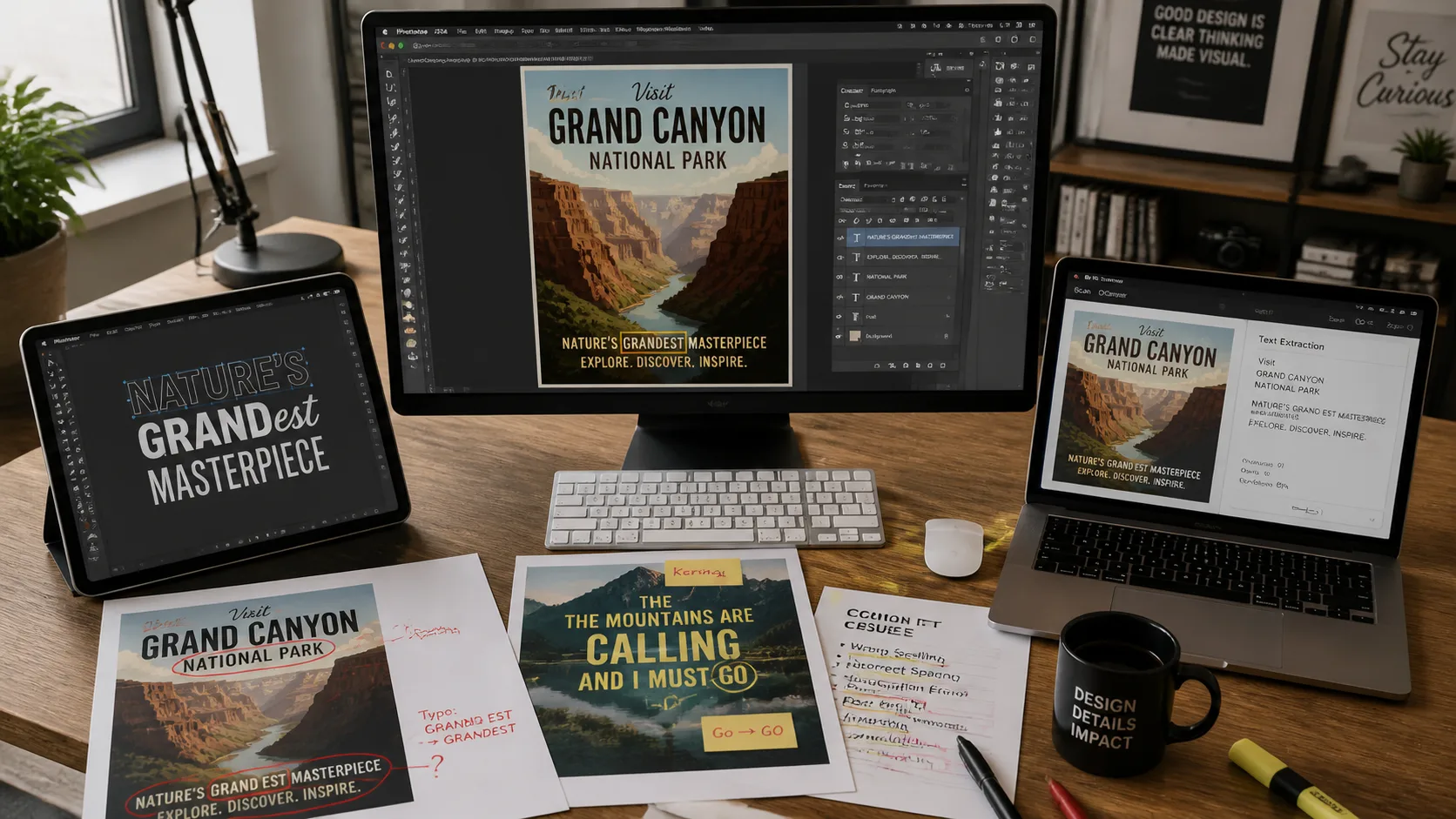
That is a real business unlock if it holds up in your workload. Most image models can create a "localized-looking" scene. Fewer can reliably render useful local-language text inside the image. For global campaigns, the difference is the difference between a draft and an asset you can hand to a local market owner.
Still, test this yourself. Text rendering quality varies by script, font, image size, and prompt complexity. I would not ship multilingual ad creative without a human review step.
Image API vs Responses API
The wrong question is: "Which API is newer?"
The right question is: "What job is the product doing?"
| Product job | Better fit | Reason |
|---|---|---|
| One prompt, one generated image | Image API | Simple request shape and direct model selection. |
| Edit an uploaded image with a prompt | Image API | Direct edit endpoint maps to the job. |
| Generate from several reference images | Image API or Responses API | Pick Image API for direct jobs; Responses API for conversational flows. |
| User revises an image across turns | Responses API | Keeps multi-turn context cleaner. |
| Agent decides when to generate or edit | Responses API | The image tool can be part of a broader reasoning flow. |
| Production batch generation | Image API | Easier to reason about cost and request behavior. |
If you are building a design assistant, creative agent, or campaign workflow, the Responses API may be worth the extra moving parts. If you are building a generation endpoint behind a button, start with the Image API.
Where GPT Image 2 Fits Against Older Image Models
The corpus has several older and third-party comparisons against GPT Image 1, GPT Image 1.5, DALL-E 3, Midjourney, FLUX, Krea, and Imagen. I would not collapse all of those into one confident ranking without fresh side-by-side tests.
What is defensible:
- GPT Image 2 is now the model name to evaluate for OpenAI-native image generation.
- The OpenAI docs show it in generation and editing examples.
- Microsoft's Foundry material positions it around higher-resolution, multilingual, real-world, and production workflow use cases.
- Third-party explainers repeatedly identify text rendering, UI-like image generation, instruction following, and editing consistency as the capabilities users care about most.
What I would not claim without testing:
- That GPT Image 2 is always better than Midjourney for aesthetics.
- That it beats FLUX or Imagen on every prompt category.
- That its text rendering is perfect across every language.
- That face or character consistency is solved for complex scenes.
- That a high-resolution output is always worth the cost.
Models move fast. Benchmarks expire. Your workload is the benchmark that matters.
Practical Use Cases
If you want to test the ideas below before wiring a full API workflow, GPT Image 2 AI is a simple place to try prompt-to-image and editing scenarios with real prompts.
Marketing assets with real text
If GPT Image 2 renders text reliably enough for your use case, the marketing workflow changes. Instead of generating a background and adding text in Figma, a team can generate early social concepts, campaign mockups, email headers, or ad variants with copy in the image itself.
I would still keep a design review step. But the draft-to-review cycle gets shorter.
Product and e-commerce visuals
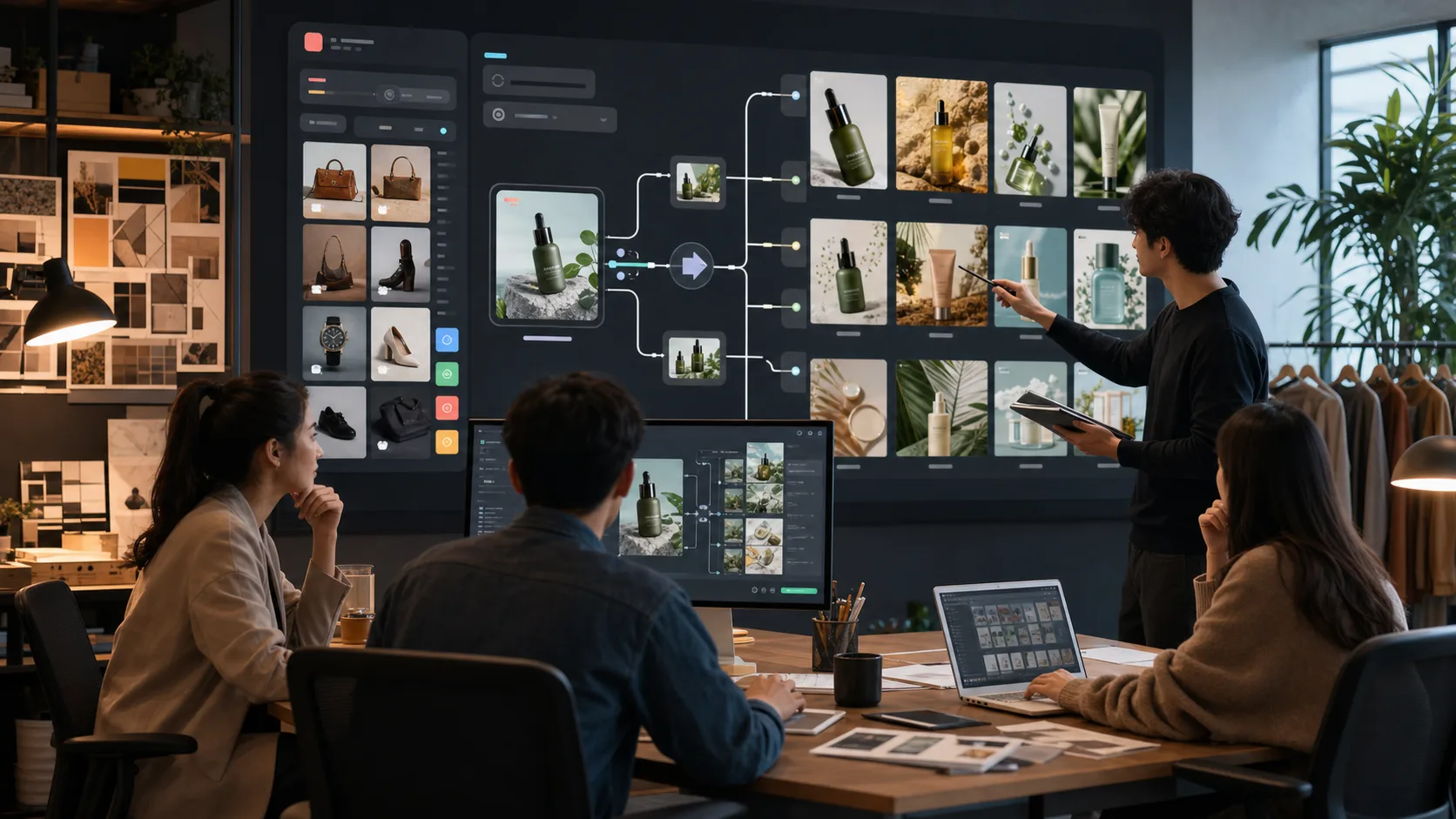
Reference-image workflows are useful for product teams. A product photo can become the anchor for lifestyle scenes, comparison visuals, packaging mockups, or marketplace-specific thumbnails.
The rule here is simple: preserve the product, vary the context. Do not ask the model to guess your SKU details from memory.
UI and app concept mockups
Several corpus articles point to GPT Image 2's usefulness for UI-like visuals and screenshots. Treat that as a prototyping tool, not as a design system replacement.
Use it to explore directions, pitch interfaces, or illustrate documentation. Do not treat generated UI text, controls, or data as production truth without review.
Education and technical diagrams
The combination of stronger instruction following, reference inputs, and text rendering makes technical diagrams more plausible than they were in earlier image models. But diagrams are dangerous when they look authoritative and contain subtle errors.
If you use GPT Image 2 for education, add a subject-matter review. A beautiful wrong diagram is worse than no diagram.
Multi-market creative operations
The multilingual angle is one of the most interesting enterprise use cases. A global team can ask for the same campaign concept across markets, languages, sizes, and visual conventions.
That does not remove local review. It makes local review happen earlier, with more concrete assets.
Production Notes Builders Should Not Skip
Three things matter before launch.
First, moderation. OpenAI's image generation stack includes safety controls, and the corpus contains repeated reminders that generated images can create copyright, fake-document, and impersonation risks. For user-submitted prompts, add prompt moderation before generation and review policy-sensitive outputs before shipping them into public surfaces.
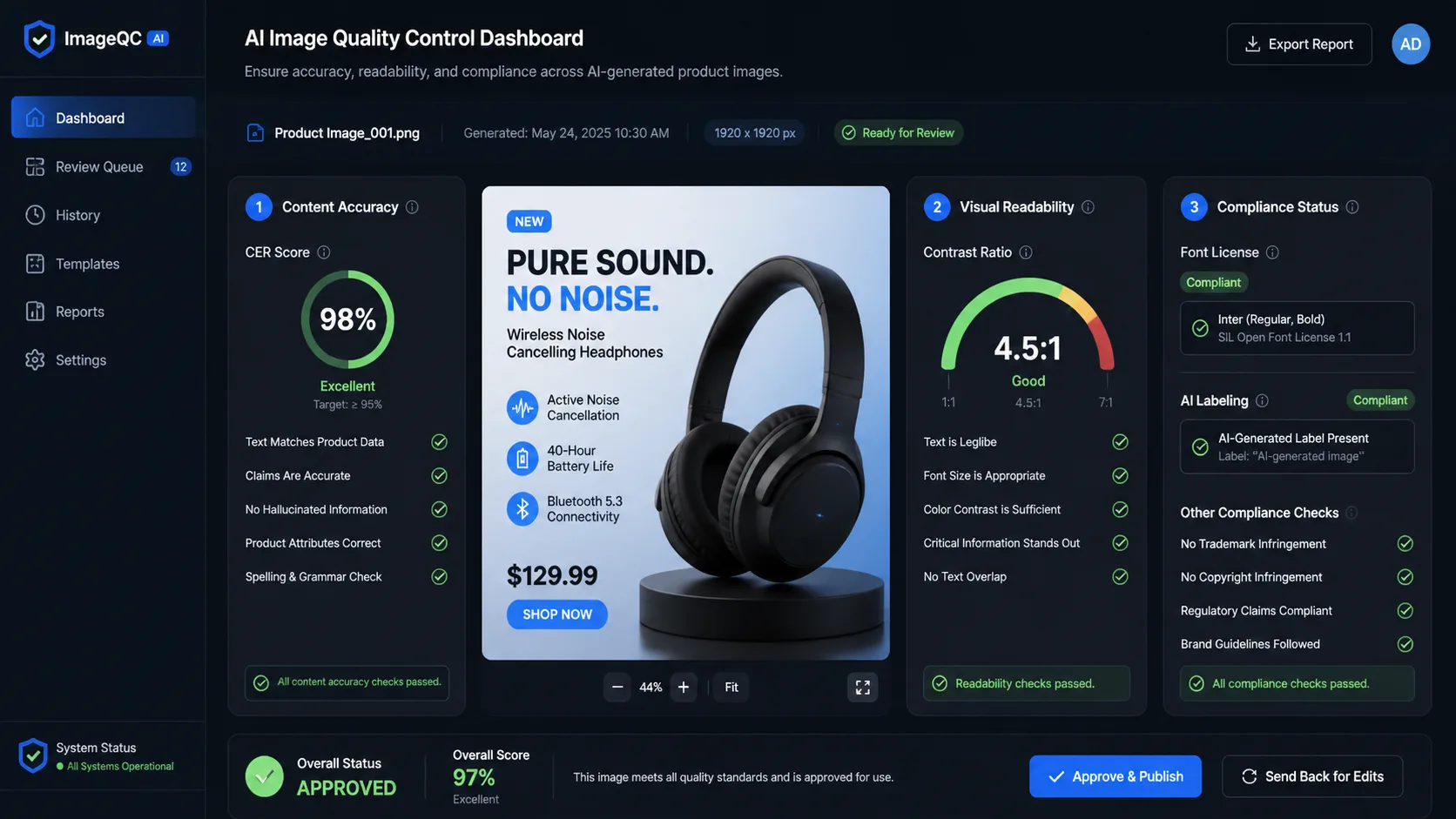
Second, logging. Log model ID, request ID, prompt, size, quality, latency, moderation result, token or cost fields when available, and whether the image was generated, edited, retried, or rejected. If cost or safety becomes a problem, this is the data you will need.
Third, defaults. Size, quality, number of outputs, and retry policy are product decisions. A casual default can become an expensive production habit.
My Builder Recommendation
Start narrow.
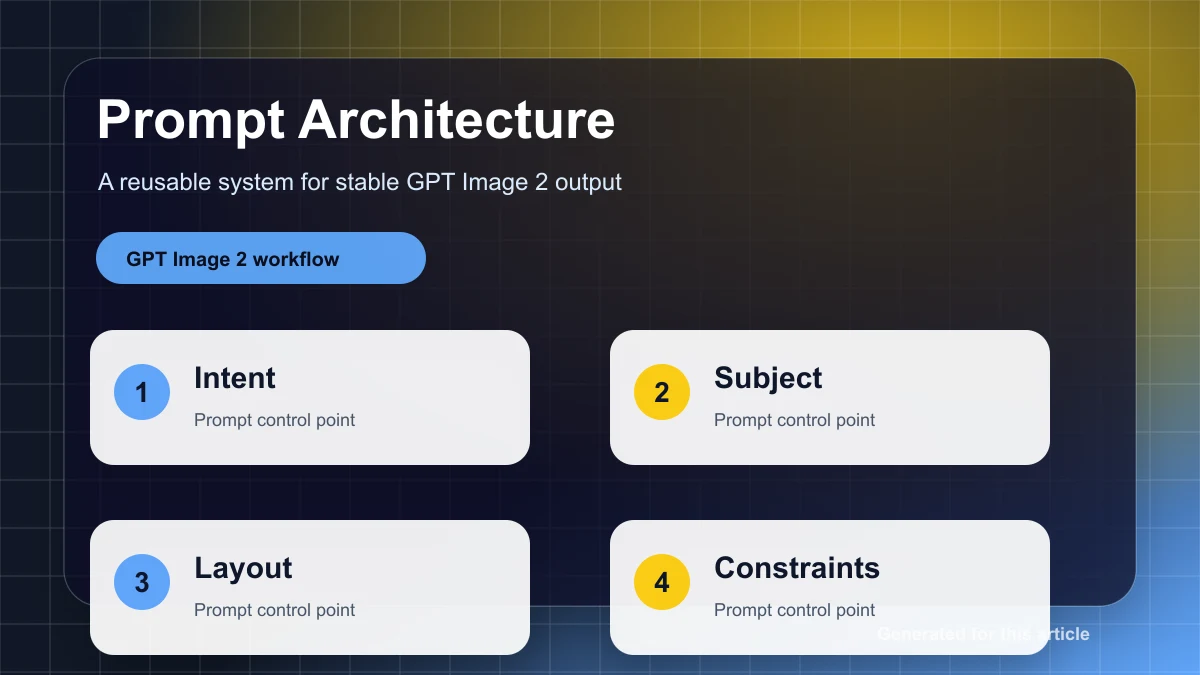
Pick one workflow where GPT Image 2 should be obviously useful: product hero images, localized social visuals, UI concept shots, documentation diagrams, or reference-based edits. Define a small acceptance test. Include text rendering, edit stability, cost, latency, and human review time.
Then compare it against the workflow you already use. Not against a leaderboard. Against your current process.
Choose GPT Image 2 when:
- You need OpenAI-native image generation in an API workflow.
- Prompt accuracy and visual instruction following matter.
- You need generation and editing in the same product surface.
- You want multi-turn image iteration through the Responses API.
- Your team can handle moderation, logging, and review.
Be cautious when:
- You need guaranteed transparent-background output across every task.
- You need perfect brand or character consistency without review.
- You are optimizing only for artistic style.
- You cannot tolerate moderation failures, retries, or variable generation latency.
- You have not modeled cost at your expected image volume.
Start with one controlled pilot: one use case, one output size, one quality default, one review checklist, and one cost log. If GPT Image 2 beats your current workflow on quality, edit stability, review time, and cost, then expand the integration.
For a low-friction first pass, try the same prompt or edit brief on GPT Image 2 AI before committing engineering time to a full API workflow.
What I Could Not Verify From The Corpus
I did not run fresh benchmark tests for this draft.
I did not independently verify third-party claims about text rendering, face consistency, or every comparison against Midjourney, FLUX, Imagen, or Krea.
I also would not treat pricing snippets across providers as interchangeable. OpenAI API pricing, Microsoft Foundry pricing, and third-party platform pricing can differ in structure and timing. Use current provider documentation before making budget commitments.
FAQ
Is GPT Image 2 available through the OpenAI API?
Yes. The OpenAI developer guide shows gpt-image-2 used with the Image API for generation. It also describes GPT Image workflows through the Responses API image generation tool.
Should I use the Image API or the Responses API?
Use the Image API for direct generation and editing jobs. Use the Responses API when image generation is part of a multi-turn or agentic conversation where the user may revise images over several steps.
Does GPT Image 2 support 4K output?
Microsoft's Foundry article states that GPT-image-2 supports 4K resolution and custom dimensions within a defined pixel budget. If your deployment target is not Microsoft Foundry, verify the exact limits in your provider's current documentation.
Can GPT Image 2 render text inside images?
Text rendering is one of the most discussed GPT Image 2 capabilities in the corpus, and Microsoft highlights multilingual understanding. I would treat reliable text rendering as a key test case, not as a universal guarantee. Test the exact languages, font styles, and image sizes you plan to ship.
Is GPT Image 2 safe for production user-generated content?
It can be part of a production system, but only with guardrails: prompt moderation, output review for sensitive surfaces, logging, rate-limit handling, and clear policies around impersonation, fake documents, copyrighted styles, and brand usage.
What is the best first GPT Image 2 pilot?
Pick a workflow with clear acceptance criteria: a product image variant, a localized social asset, a reference-based edit, or a documentation diagram. Measure quality, edit stability, latency, cost, and human review time before broad rollout.
The Bottom Line
GPT Image 2 is best understood as a workflow model, not just a prettier image generator.
The confirmed API surface already supports generation, editing, reference images, multi-turn flows, and streaming. Microsoft's Foundry material adds a production-oriented picture around 4K, multilingual, and routing capabilities. Third-party explainers point toward stronger text rendering and instruction following, but those claims still deserve your own tests.
Run the small pilot first. That will tell you more than another model ranking.