JSONプロンプト、変数、レイアウト制約、失敗デバッグ、反復ログでGPT Image 2の画像生成を安定させる実務ガイド。
安定した画像は偶然の一文ではなく、再利用できる構造から生まれます。タスク、変数、レイアウト、文字、QAを分けると、モデルは優先順位を推測しなくてよくなります。
プロンプトを5層に分ける
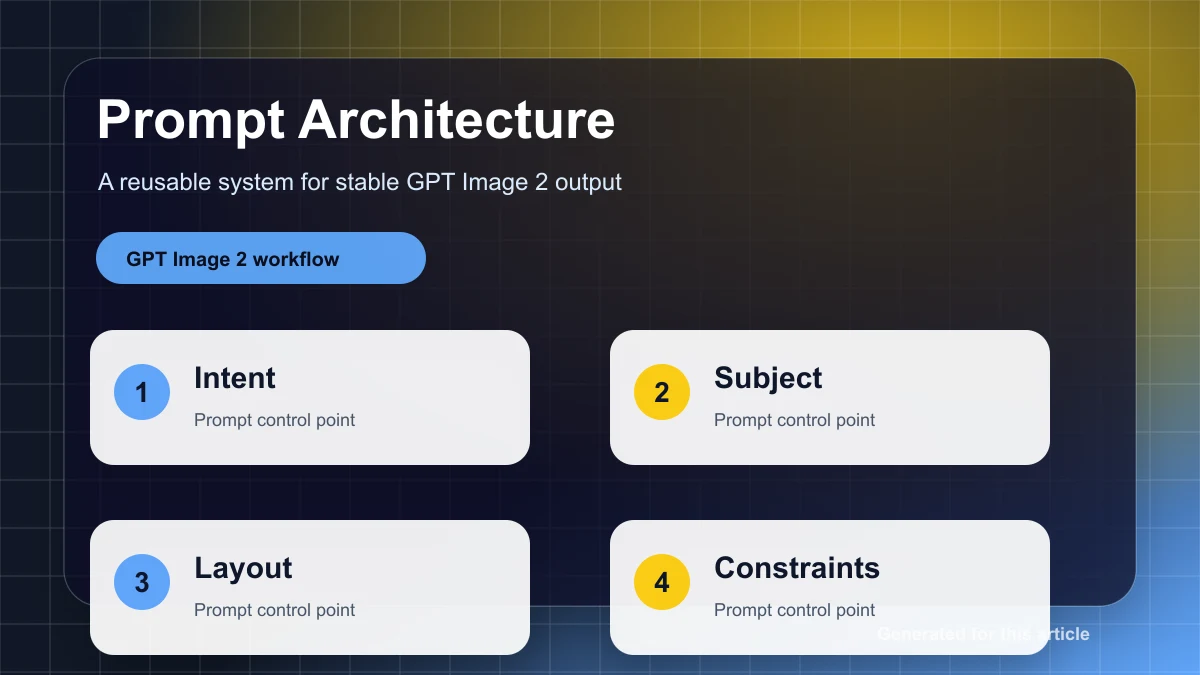
自然文だけのプロンプトでは、商品、シーン、構図、スタイル、文字、制約が混ざります。安定させるには、job、inputs、layout、style、qaの5層に分け、毎回変数だけを置き換えます。
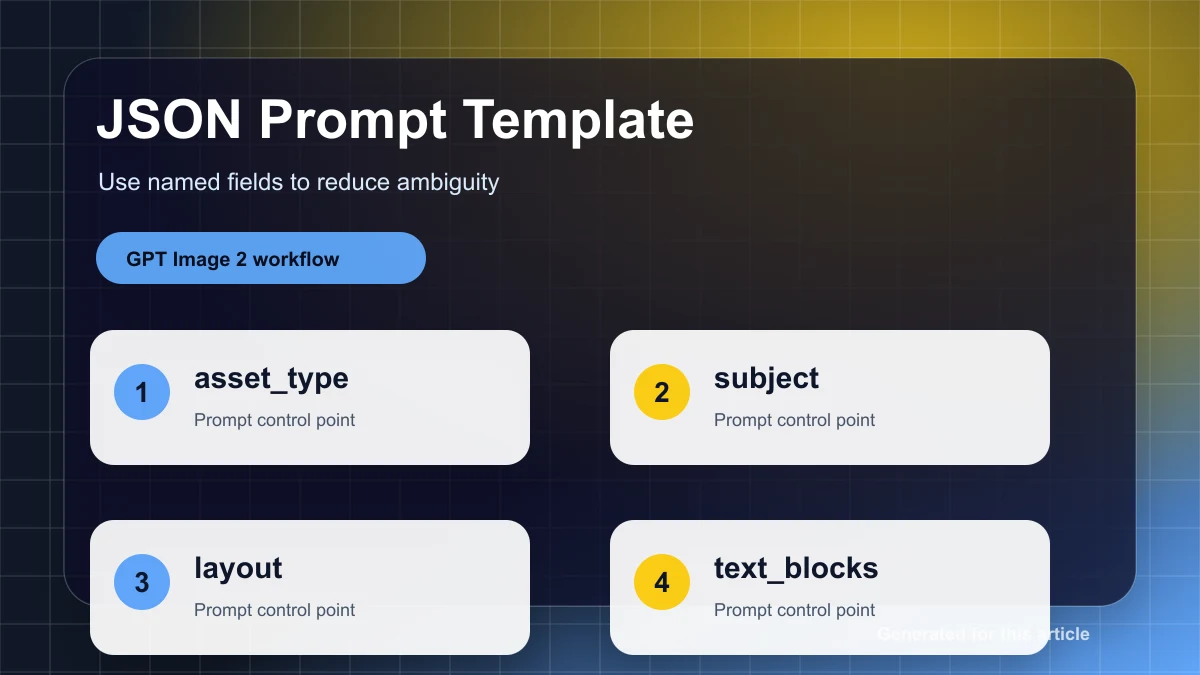
{
  "job": "create a product hero image for a landing page",
  "inputs": { "product_name": "{{product_name}}", "audience": "{{target_customer}}", "offer": "{{offer}}" },
  "layout": { "aspect_ratio": "{{aspect_ratio}}", "focal_point": "product centered, headline above", "negative_space": "clear right side for CTA" },
  "style": { "lighting": "soft commercial studio light", "palette": "{{brand_palette}}" },
  "qa": ["product identity preserved", "headline readable", "no random text"]
}
変わりやすい要素は変数にする
商品名、オファー、日付、言語、ブランドカラー、比率はミスが起きやすい要素です。長い文章に埋め込まず、変数表として先に確認します。
| Variable | Use | Rule |
|---|---|---|
{{product_name}} | product name | exact spelling |
{{headline}} | visible title | short and exact |
{{aspect_ratio}} | channel format | one ratio per run |
失敗は分類して直す
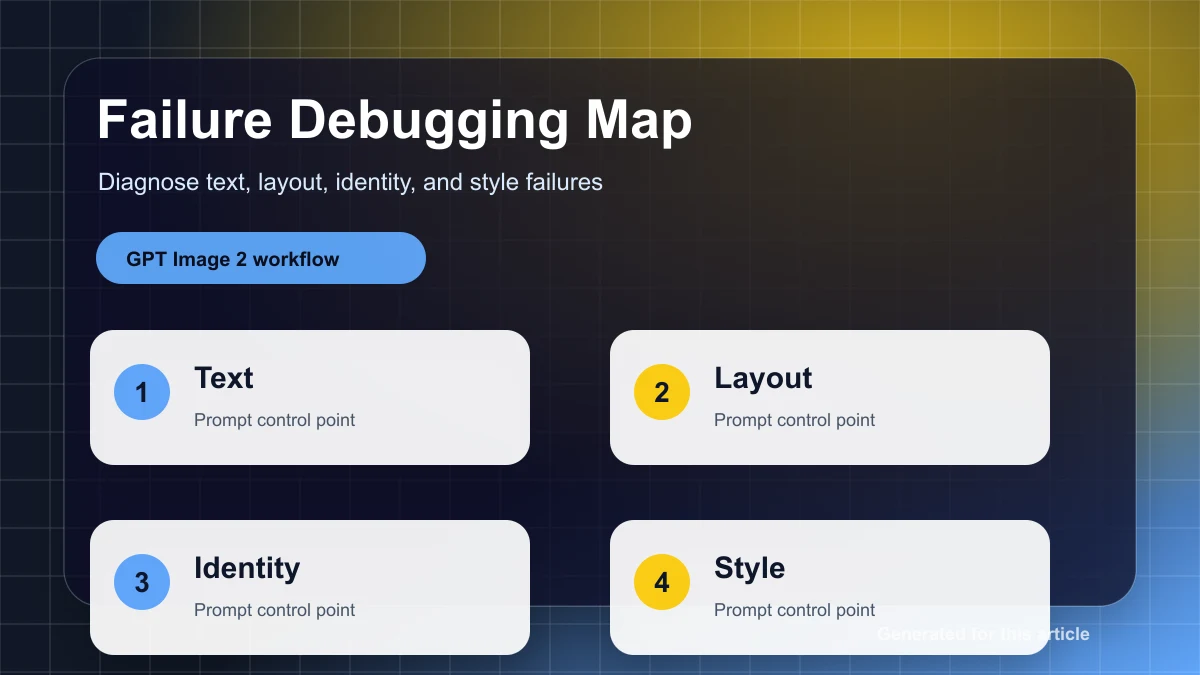
商品が変わるならreference preservationを強めます。構図が崩れるならfocal pointとnegative spaceを指定します。文字が読めないなら文言を短くします。スタイルが強すぎるなら形容詞を削ります。
反復ログを残す
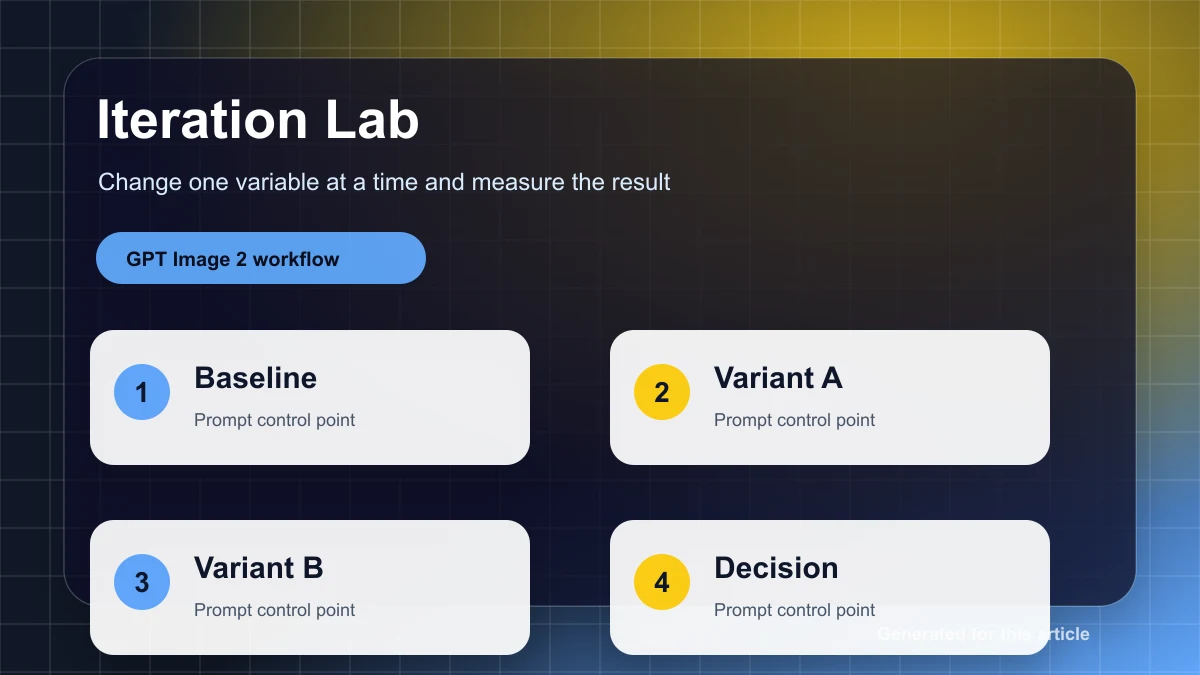
一度に変えるのは一つだけです。角度、背景、文字、スタイルを同時に変えると、何が効いたのか分からなくなります。安定出力は観察できる反復から作ります。
Use gpt-image2ai.net to apply this prompt architecture to posters, product images, social creatives, and multilingual campaign assets.