
프롬프트 개요
클래식 햄버거 튜토리얼 인포그래픽 AI 이미지 프롬프트는 튜토리얼 인포그래픽 작업을 위해 주제, 구도, 조명, 색상, 질감, UI/타이포그래피 요소를 재사용 가능한 지시로 정리합니다.
프롬프트 상세
클래식 햄버거 튜토리얼 인포그래픽 AI 이미지 프롬프트는 GPT Image 2로 튜토리얼 인포그래픽, 마케팅 비주얼, 재사용 가능한 크리에이티브 레퍼런스를 만들기 위한 페이지입니다. 영어 원문 프롬프트와 현지화된 활용법, SEO 설명, 빠른 수정 팁을 제공합니다.
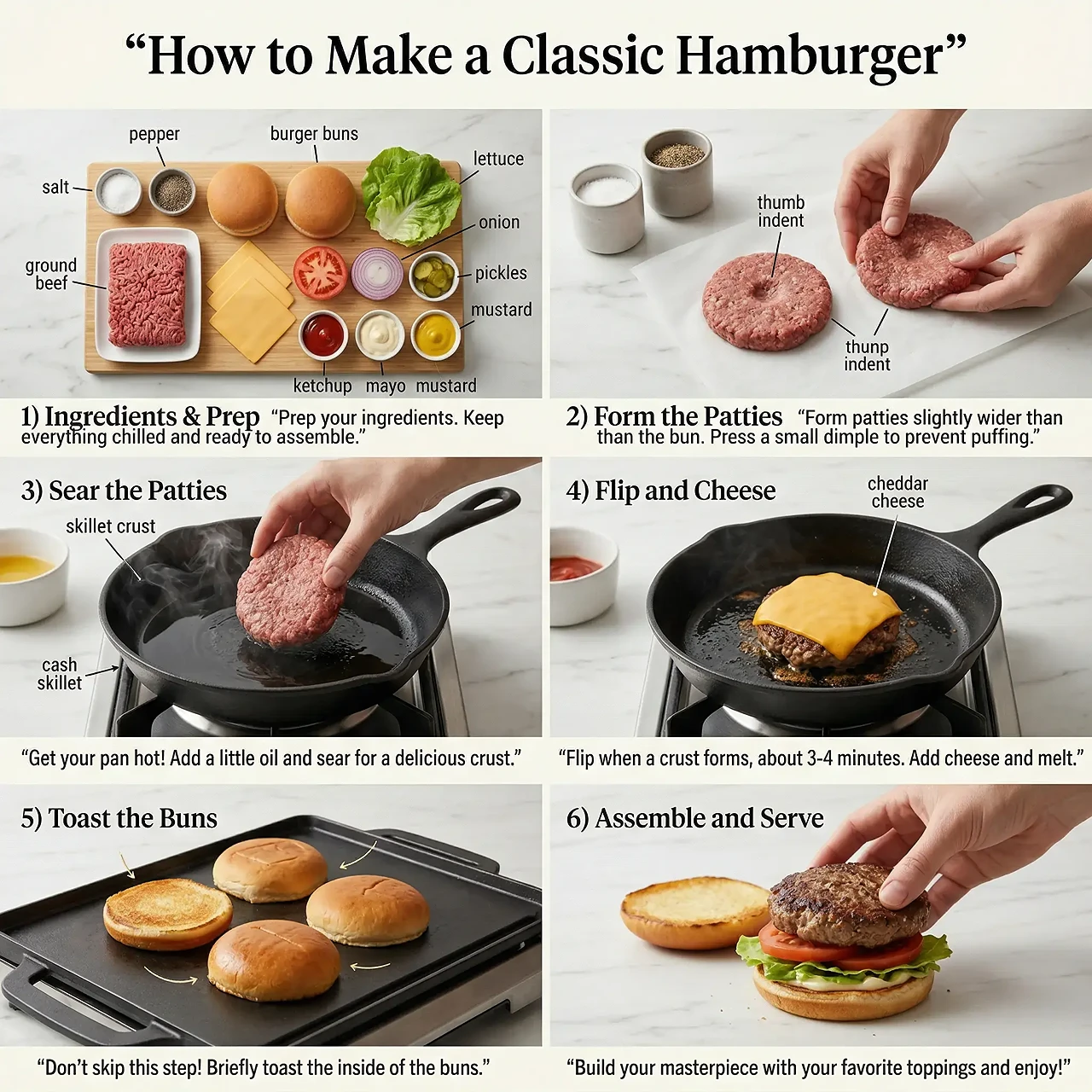
Create a clean editorial cooking infographic titled “How to Make a Classic Hamburger,” arranged as a six-panel instructional story visual on a light marble kitchen surface. Use a square poster layout with a large serif headline at the top and evenly divided panels below. Panel one shows neatly organized ingredients on a wooden board with labels for salt, pepper, ground beef, buns, lettuce, onion, pickles, ketchup, mayo, and mustard. Panel two shows hands forming burger patties with annotation arrows for thumb indents. Panels three and four show searing the patty in a black cast-iron skillet, steam, oil shine, crust texture, and melted cheddar. Panel five shows buns toasting on a griddle, and panel six shows final assembly with lettuce, tomato, sauce, and patty. Use bright natural kitchen lighting, crisp educational typography, realistic food photography, thin black leader lines, and a helpful magazine-instruction mood.
SEO 전략
클래식 햄버거 튜토리얼 인포그래픽 AI 이미지 프롬프트
대상: 디자이너, 마케팅 팀, 콘텐츠 운영자, 이커머스 크리에이터
프롬프트 분석
클래식 햄버거 튜토리얼 인포그래픽 AI 이미지 프롬프트는 튜토리얼 인포그래픽 작업을 위해 주제, 구도, 조명, 색상, 질감, UI/타이포그래피 요소를 재사용 가능한 지시로 정리합니다.
먼저 방향성 초안으로 사용하고 브랜드 톤, 채널 크기, 타깃, 카피에 맞게 조정하세요.
다른 언어 시장에서는 제목, 라벨, 통화, 날짜, 플랫폼 UI 문구를 바꾸고 사람이 텍스트 정확성을 확인해야 합니다.
프롬프트 변형
클래식 햄버거 튜토리얼 인포그래픽 AI 이미지 프롬프트를 모바일 세로형에 맞게 바꾸기.
구도는 유지하고 색감과 조명을 더 프리미엄하게 변경하기.
주제와 문구를 바꾸되 같은 상업 디자인 구조 유지하기.
FAQ
주제, 구도, 조명, 색감, 질감을 명확히 지정해 예시와 가까운 GPT Image 2 비주얼 초안을 만들 수 있습니다.
구도와 스타일 지시는 유지하고 주제, 배경, 브랜드, 화면 비율, 문구를 바꾸면 됩니다.
기획 초안과 레퍼런스에 적합합니다. 공개 전 브랜드, 권리, 초상권, 문구 정확성, 플랫폼 정책을 확인하세요.
더 많은 프롬프트 아이디어
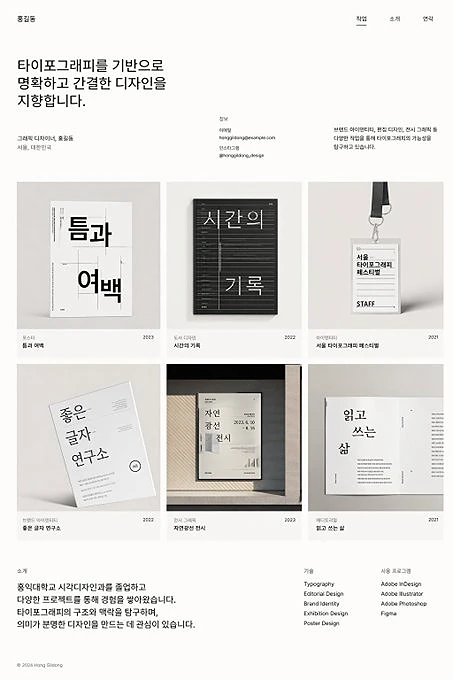
A design minimalist korean AI image prompt for poster design and cinematic visuals, reusable creative references, and fast GPT Image 2 experiments.
프롬프트 페이지 열기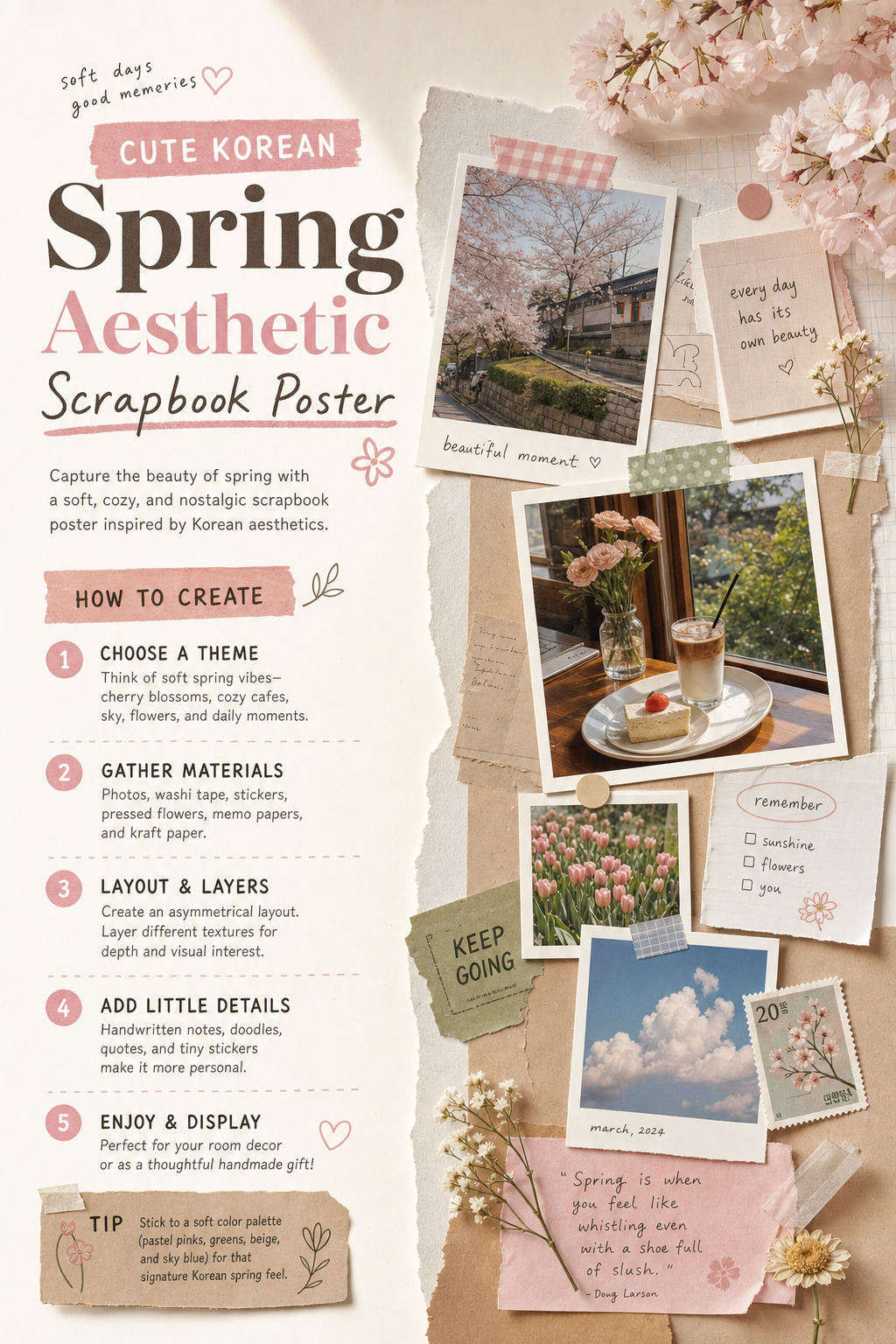
This prompt creates a focused cute korean spring aesthetic visual direction for GPT Image 2. Use it as a reusable starting point for image generation and creative testing.
프롬프트 페이지 열기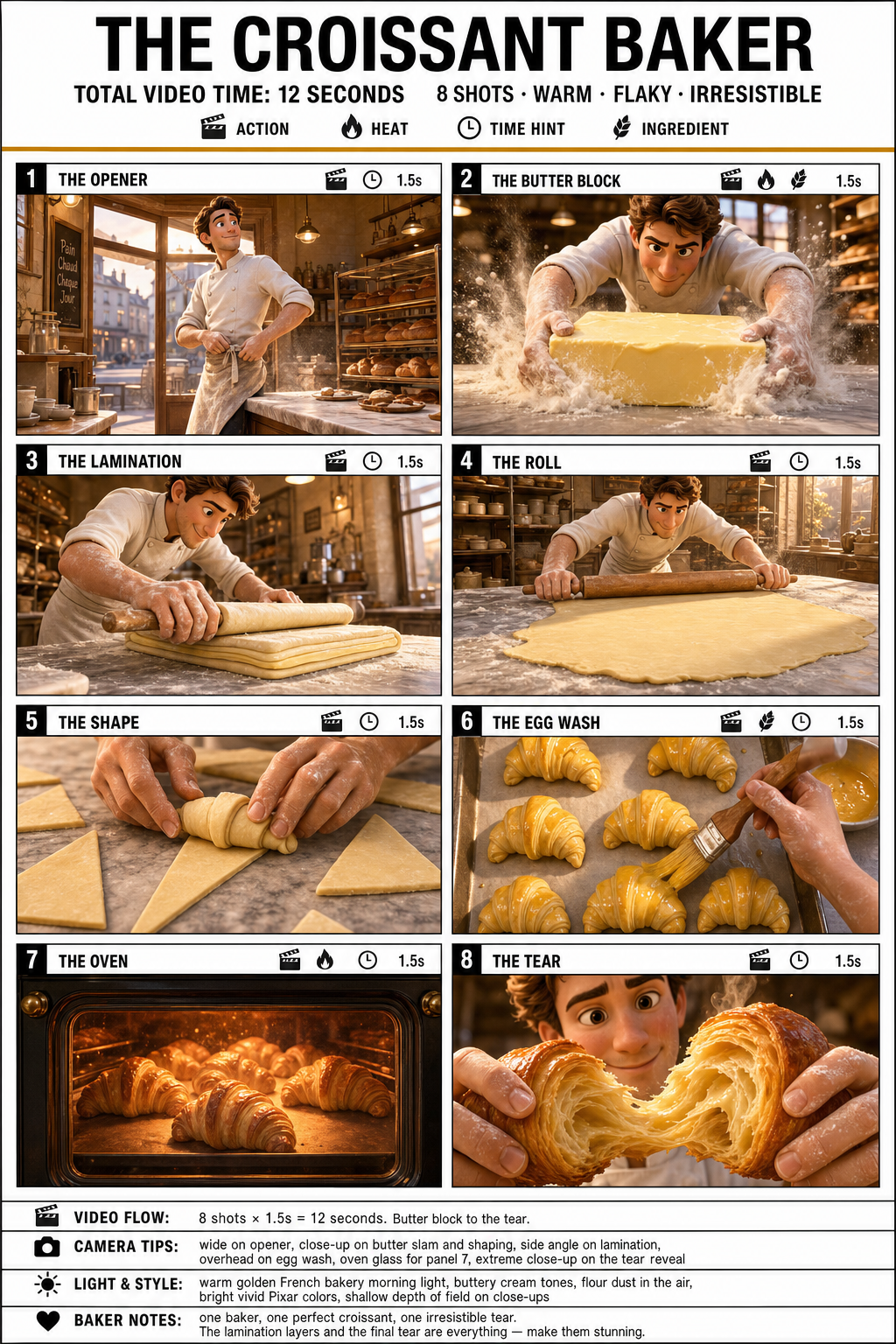
A detailed GPT Image 2 prompt for creating a wide 16:9 infographic storyboard poster featuring a French baker making croissants. The prompt specifies a Pixar 3D stylized rendering with warm golden yellows, buttery creams, and flaky browns. It includes 8 distinct panels from 'The Opener' to 'The Tear,' each with unique composition and color. Ideal for AI image prompt enthusiasts seeking structured, narrative-driven visuals.
프롬프트 페이지 열기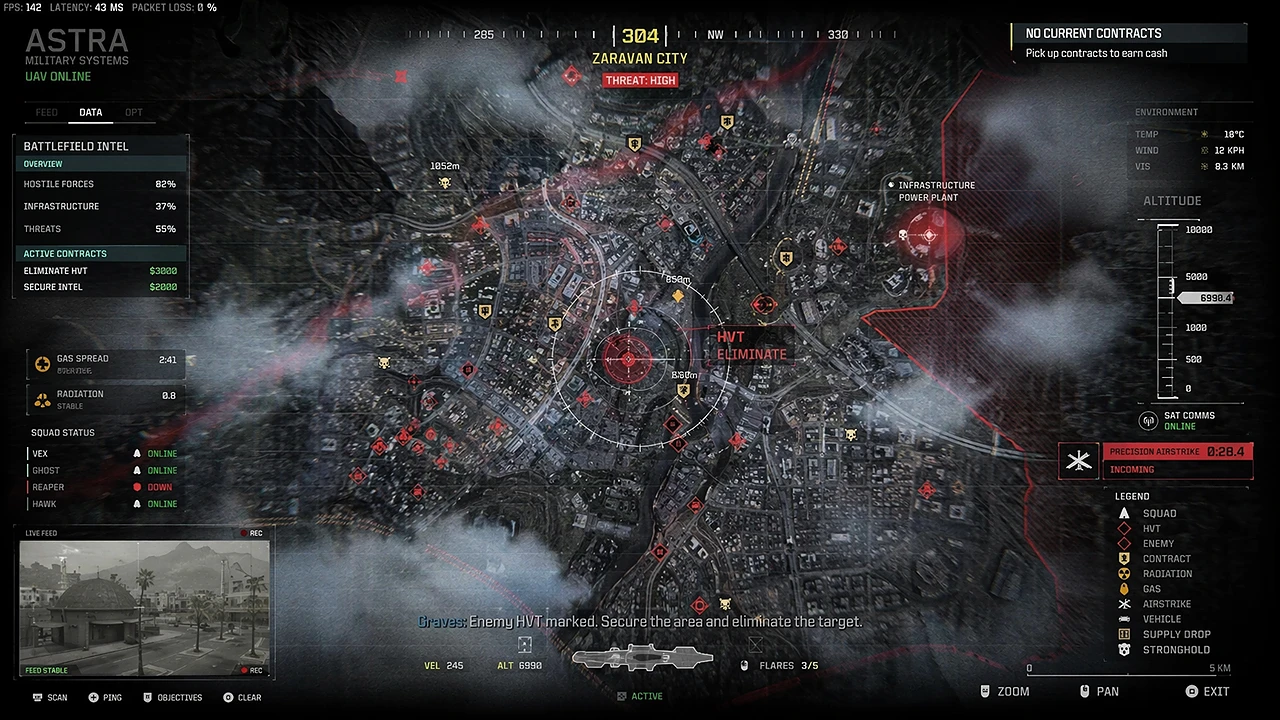
A cinematic military brand AI image prompt for product photography and cinematic visuals, reusable creative references, and fast GPT Image 2 experiments.
프롬프트 페이지 열기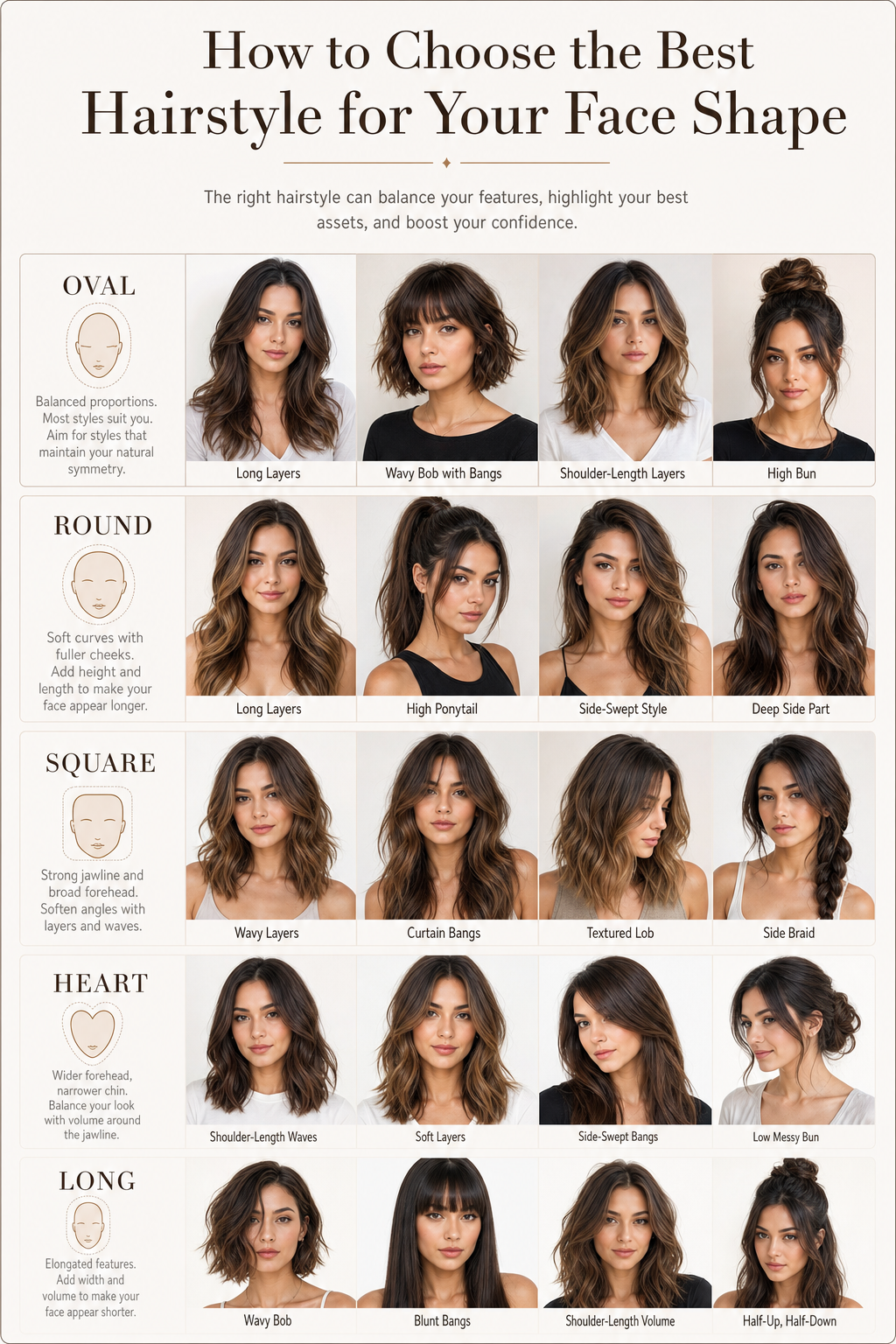
A high-resolution 4K infographic in a clean grid layout on a white/beige background. Features realistic face and hair detail, soft shadows, consistent spacing and typography, evoking a premium magazine look.
프롬프트 페이지 열기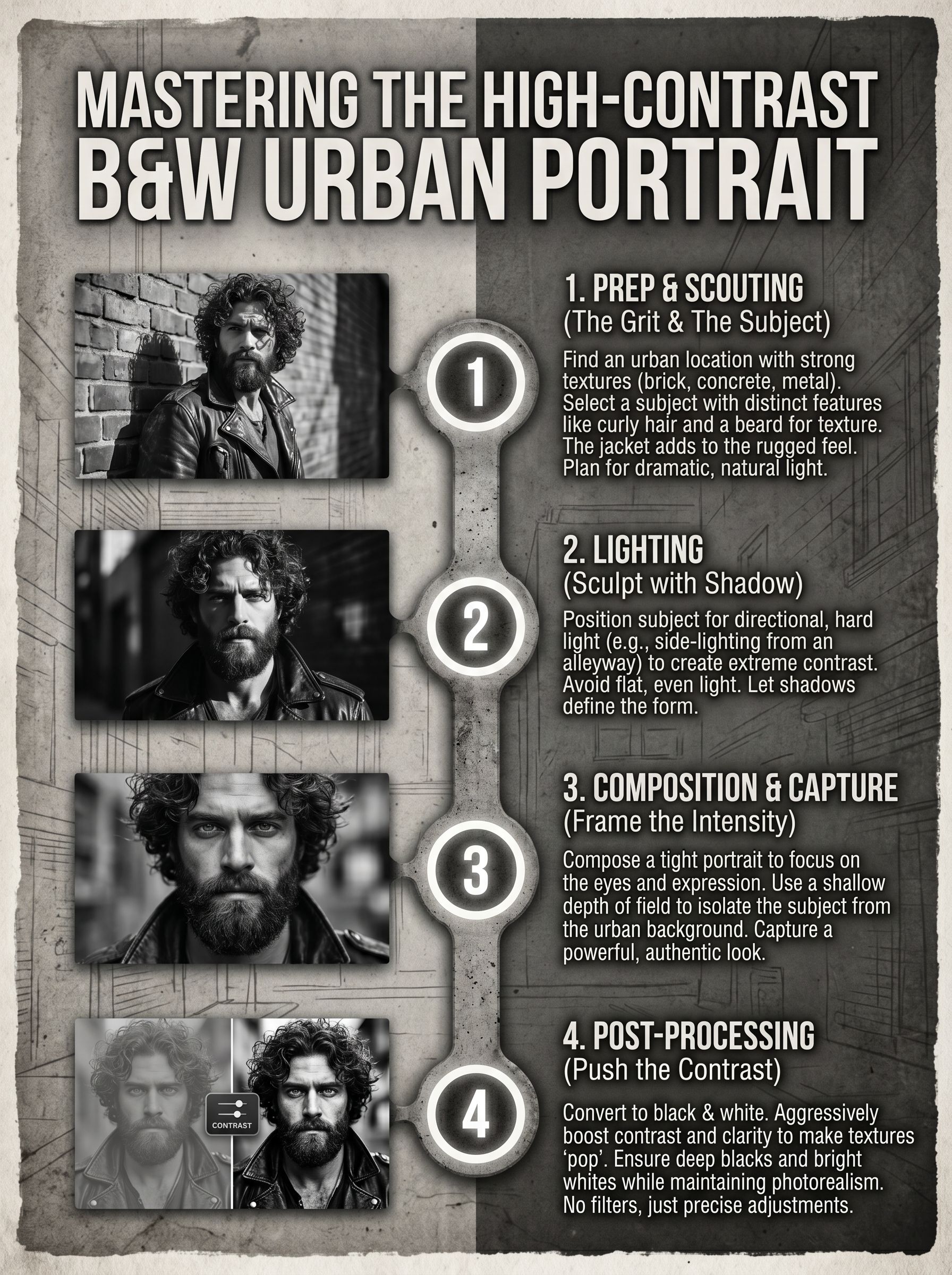
This prompt creates a focused high-contrast black-and-white urban portrait visual direction for GPT Image 2. Use it as a reusable starting point for image generation and creative testing.
프롬프트 페이지 열기
Create a powerful visual with large, rough, scribbled black text 'HEAD' using GPT Image 2. This prompt yields a grunge, hand-drawn aesthetic ideal for posters, album covers, or social media graphics.
프롬프트 페이지 열기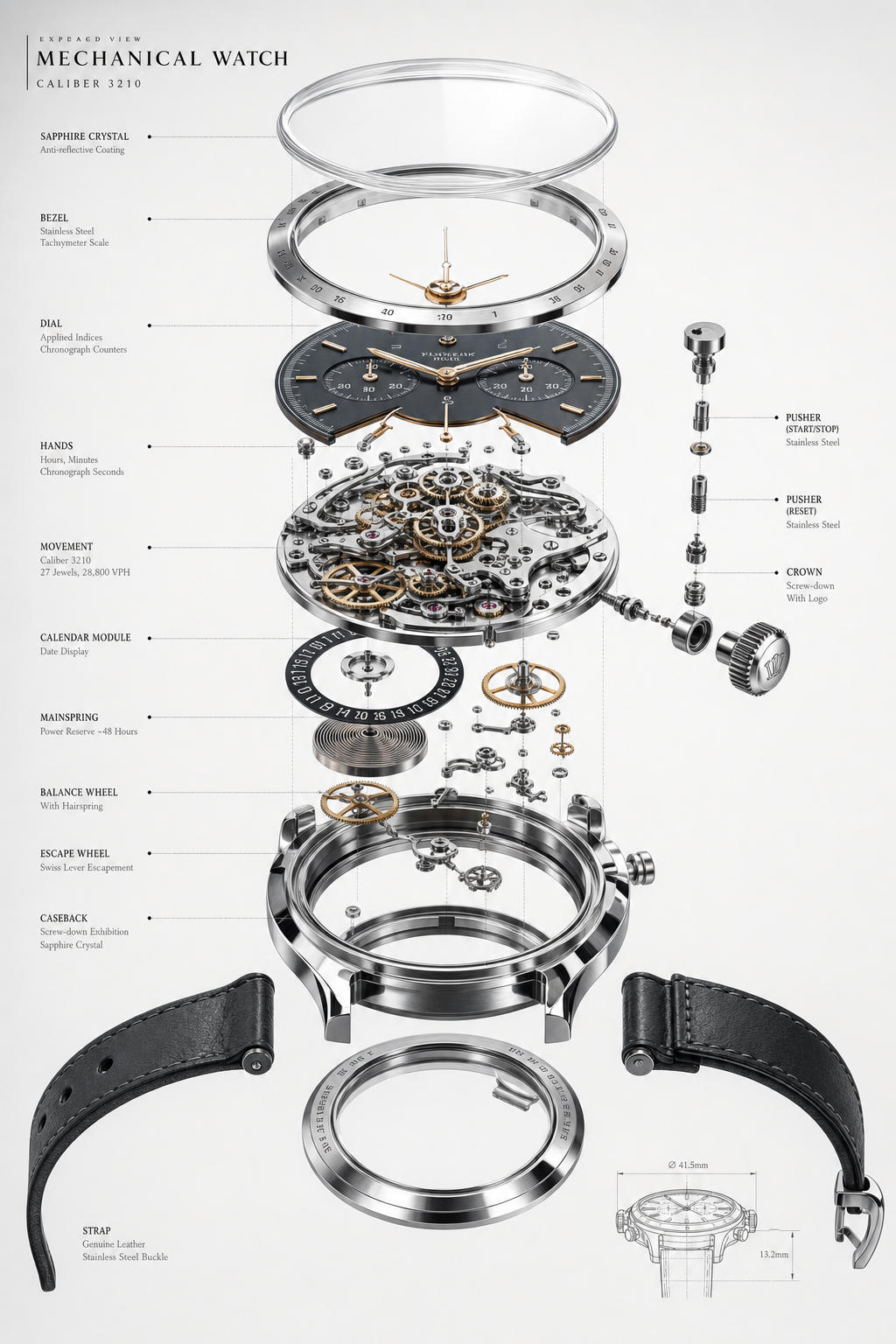
Create stunning 3D exploded assembly drawings using GPT Image 2. This prompt produces ultra-detailed, realistic, and clean visuals perfect for technical illustrations, product design, and shareable AI art.
프롬프트 페이지 열기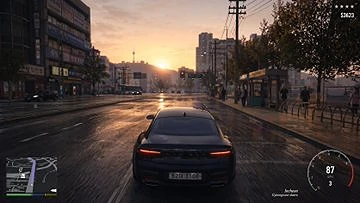
A compact driving game AI image prompt for cinematic and urban style visuals, reusable creative references, and fast GPT Image 2 experiments.
프롬프트 페이지 열기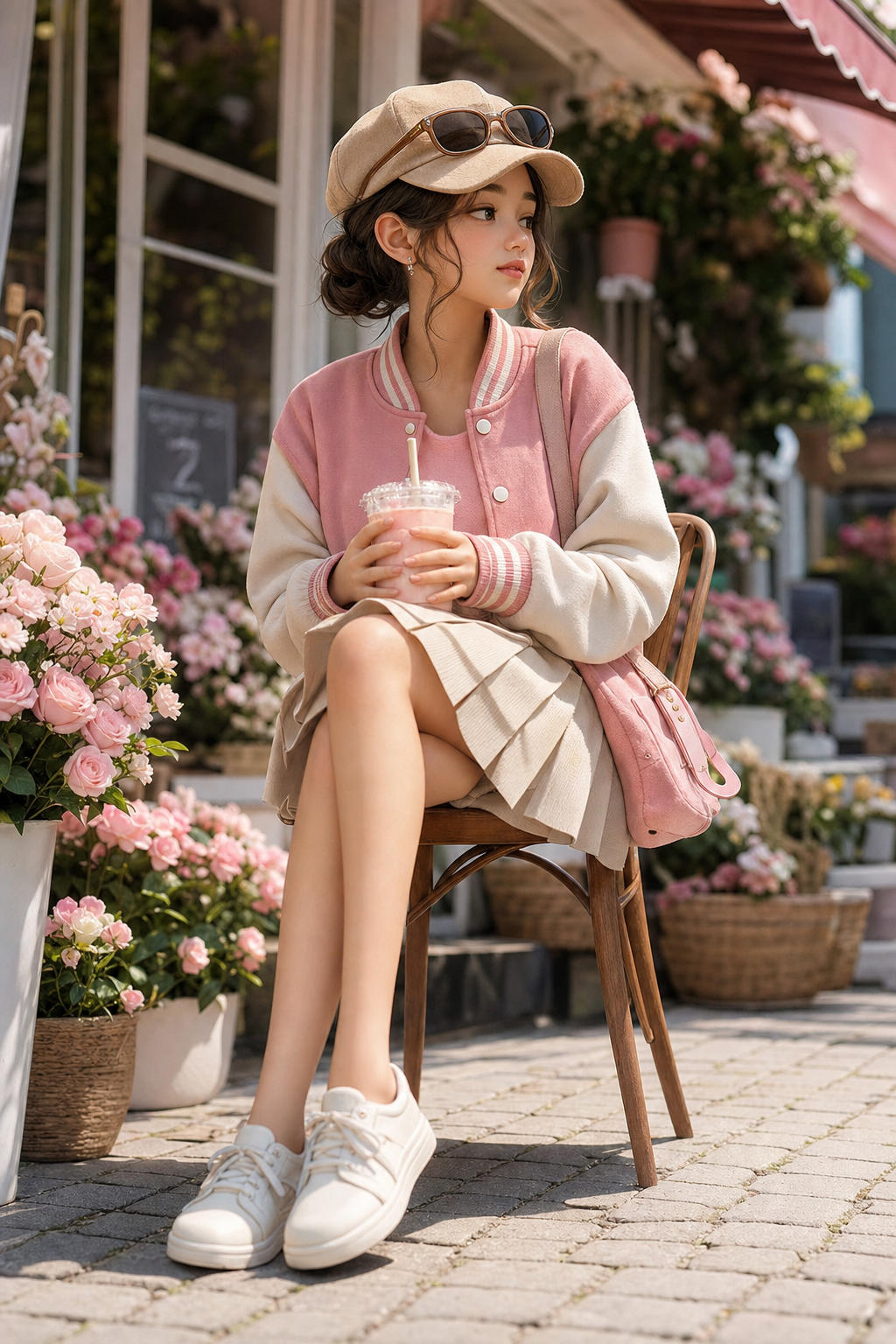
Transform a photo into a high-end stylized 3D collectible figure with exaggerated features, hyper-detailed skin, and matte vinyl finish. Subject: young woman (18-23) in pastel outfit, seated sideways on wooden chair, holding drink cup, head turned away. Background: outdoor flower shop with pastel flowers. Lighting: bright natural daylight, soft shadows. Camera: low angle, 50mm lens. Color: warm pastel. Output: 8K, ultra-photorealistic, Pixar-quality.
프롬프트 페이지 열기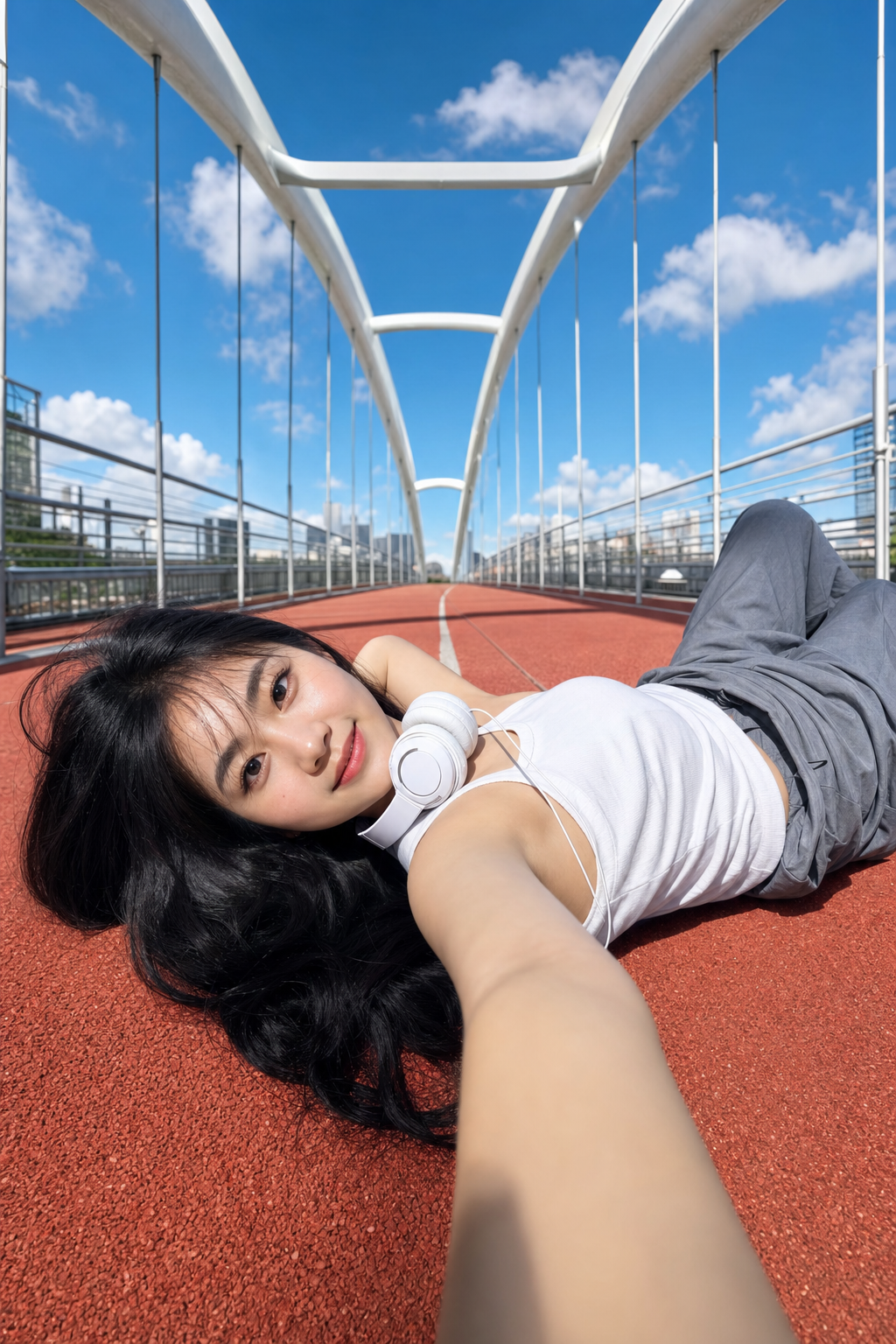
This GPT Image 2 prompt creates a bright photorealistic outdoor portrait of a young woman lying on a red running track on a modern white arch pedestrian bridge. The composition is an ultra-wide low-angle selfie with her arm reaching toward the camera. She wears a white sleeveless top, loose gray pants, and wired headphones around her neck, with black hair spread on the ground. The scene features a clean blue sky, soft white clouds, strong midday sunlight, crisp shadows, and a fresh youthful mood
프롬프트 페이지 열기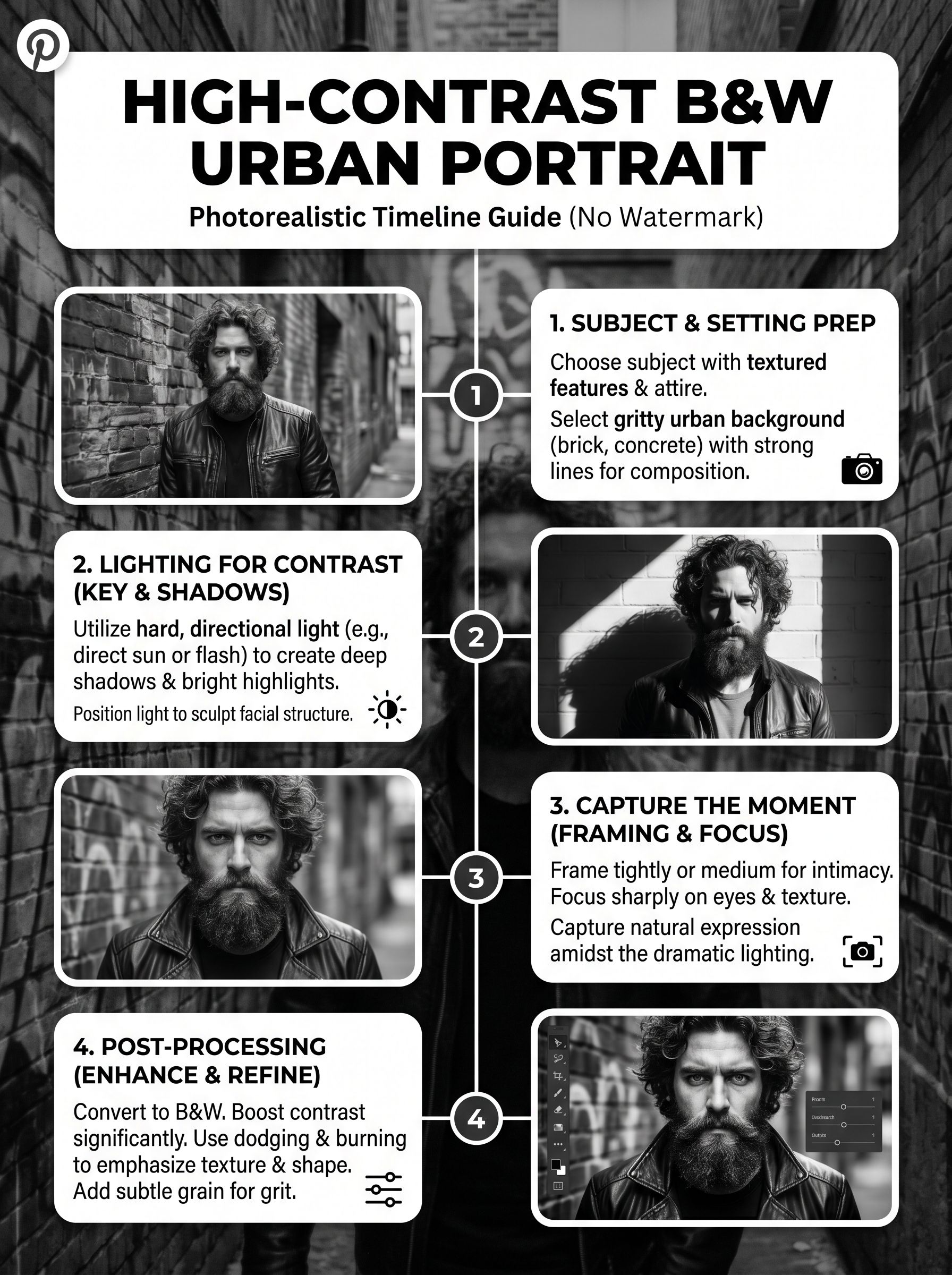
This prompt creates a focused high-contrast black-and-white urban portrait visual direction for GPT Image 2. Use it as a reusable starting point for image generation and creative testing.
프롬프트 페이지 열기