How to Use GPT Image 2 for Packaging Illustration Sheets
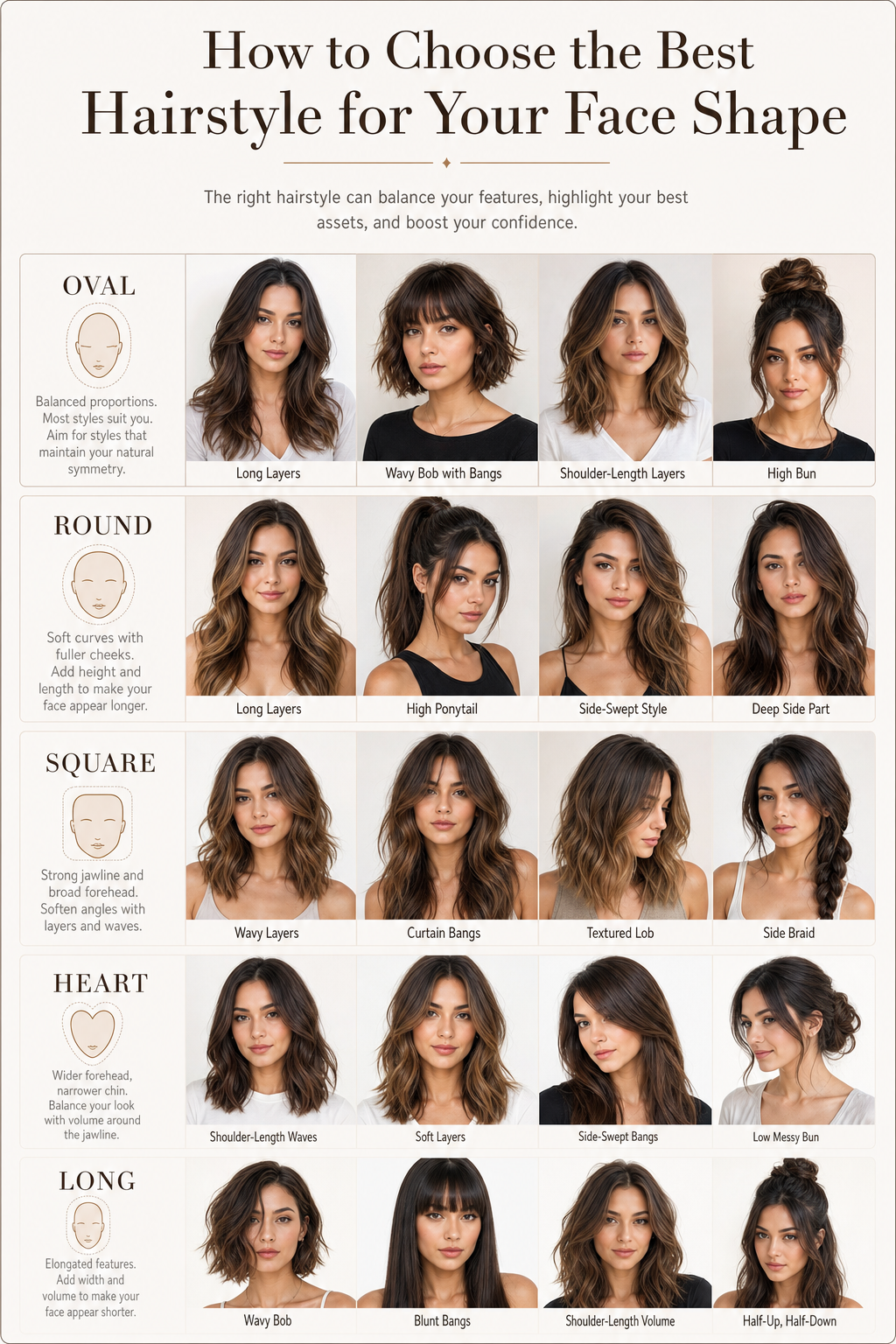
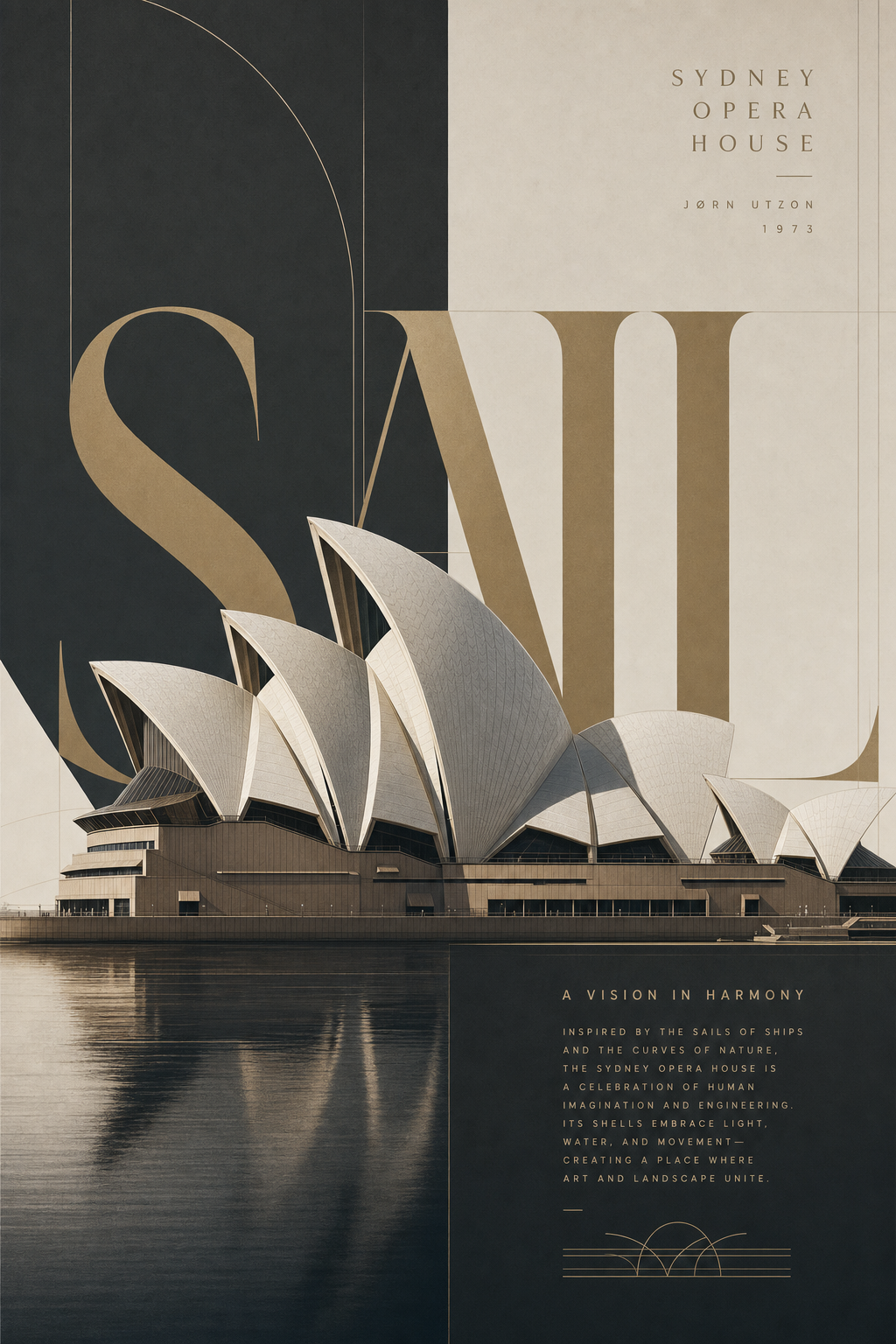
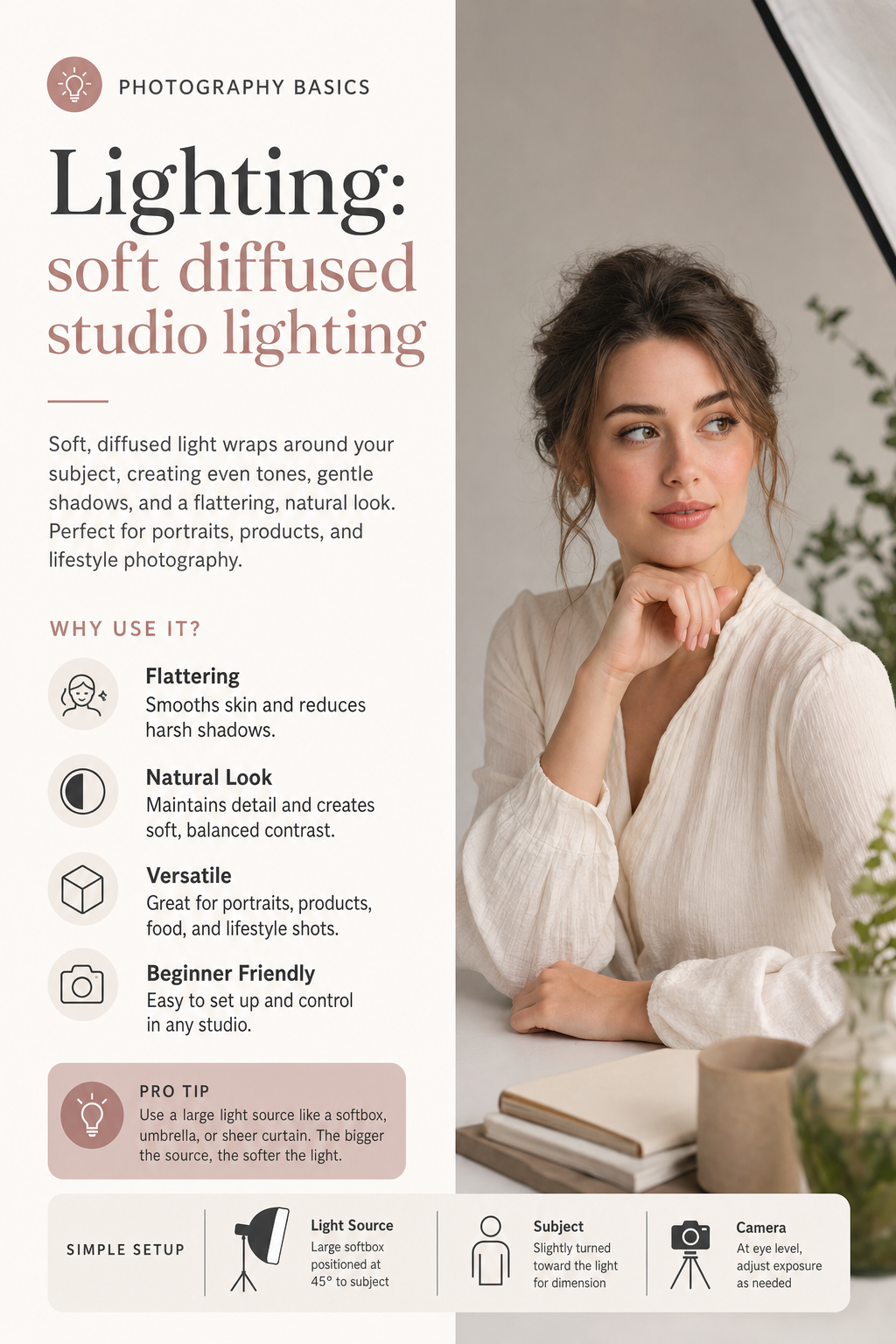
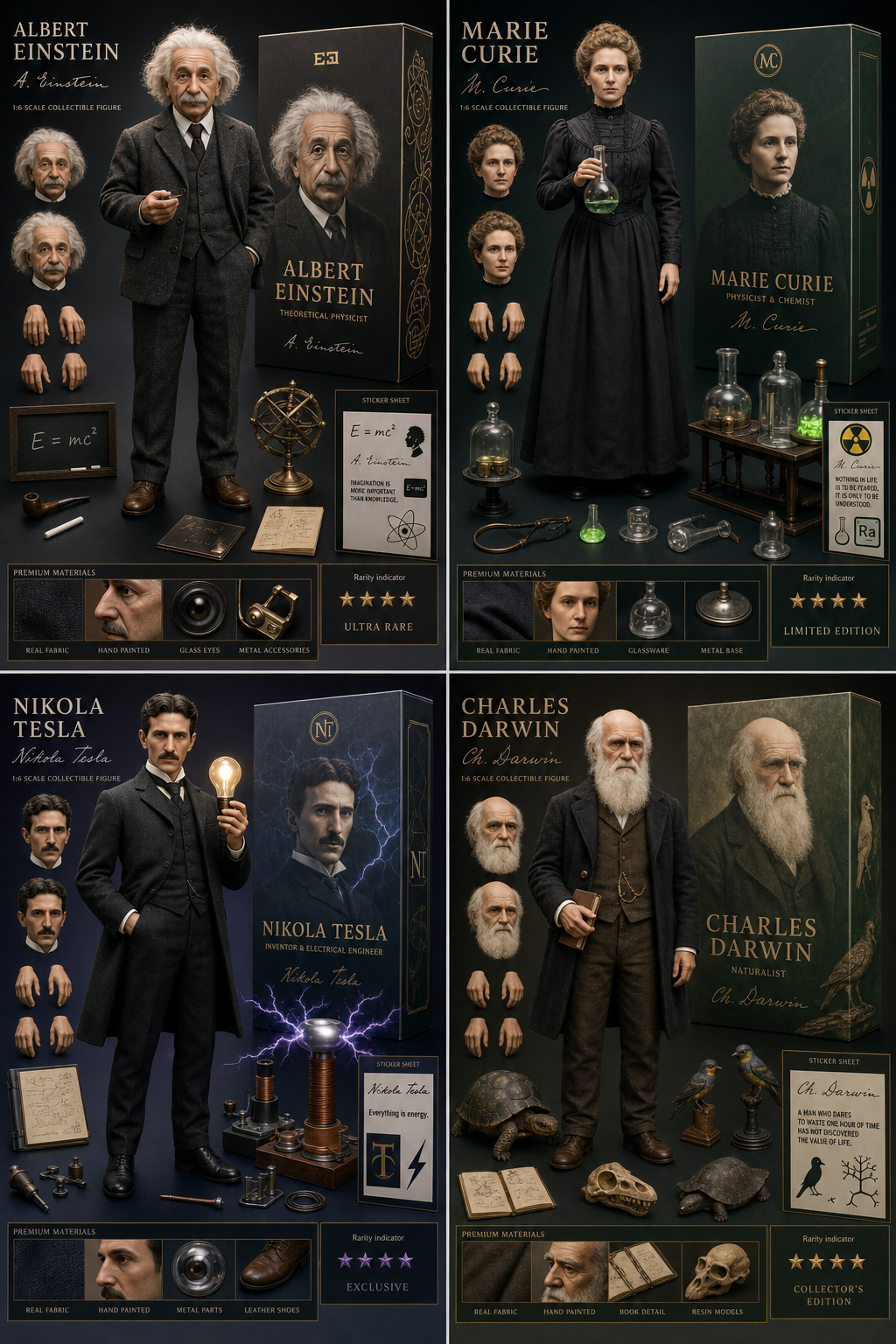
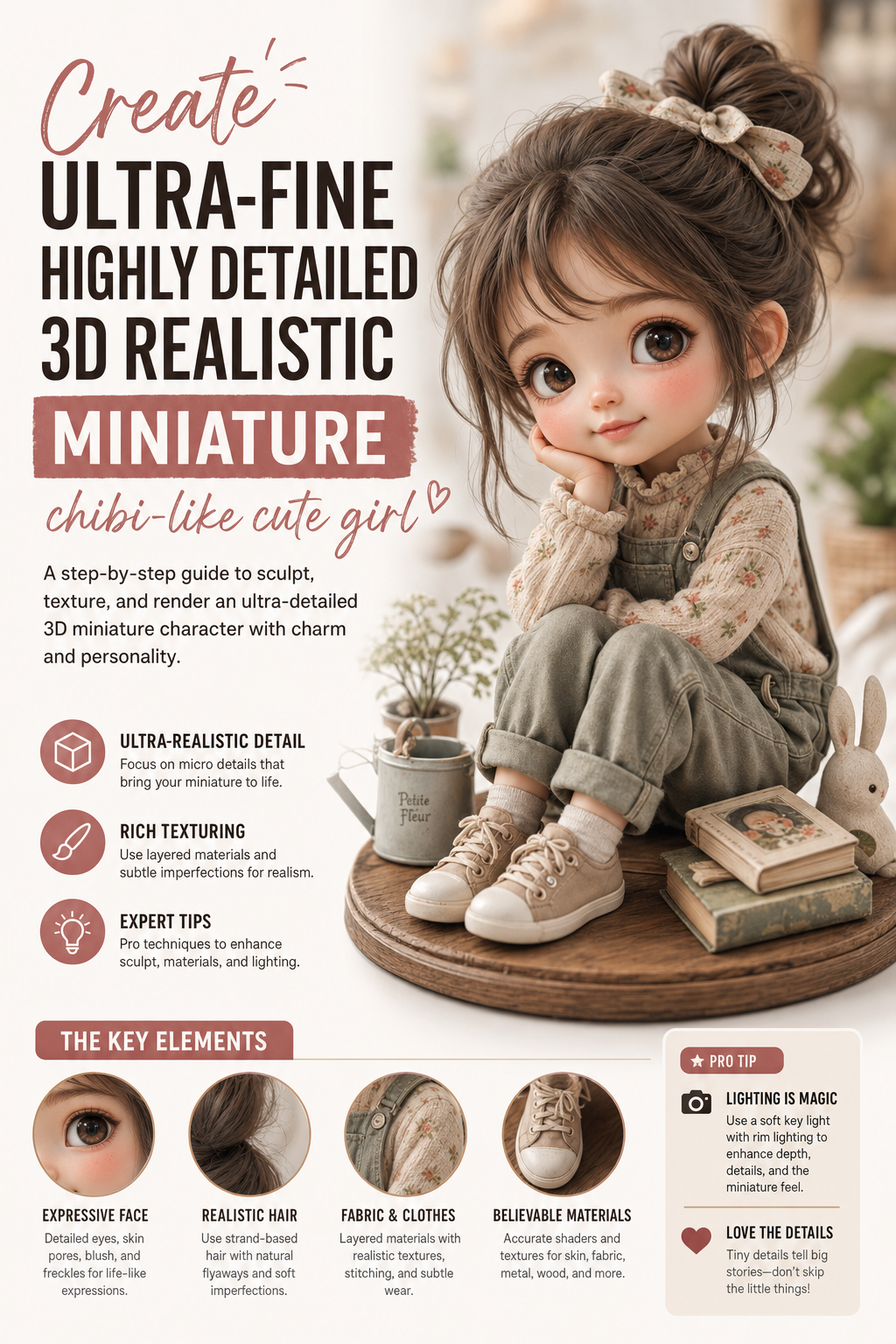
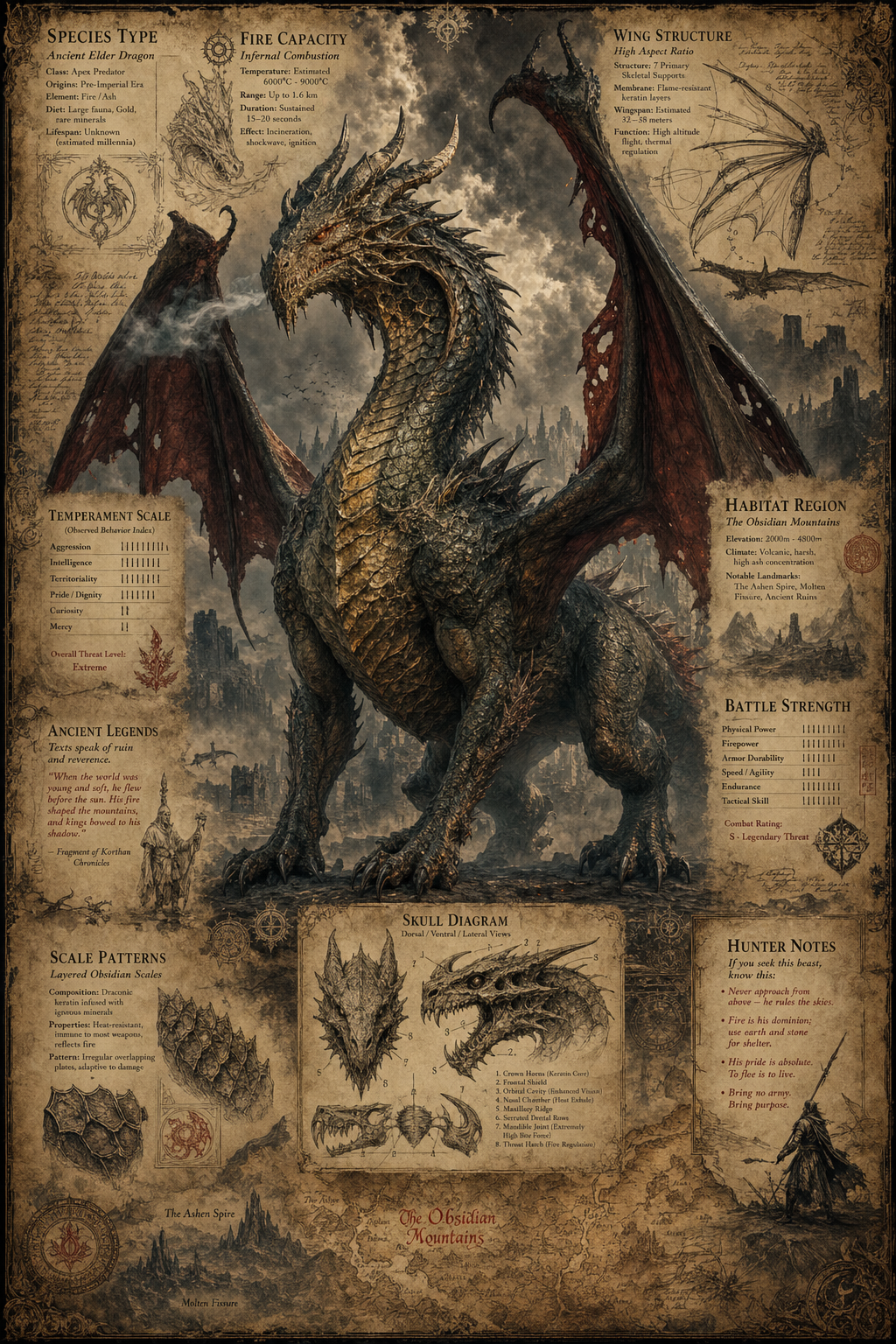
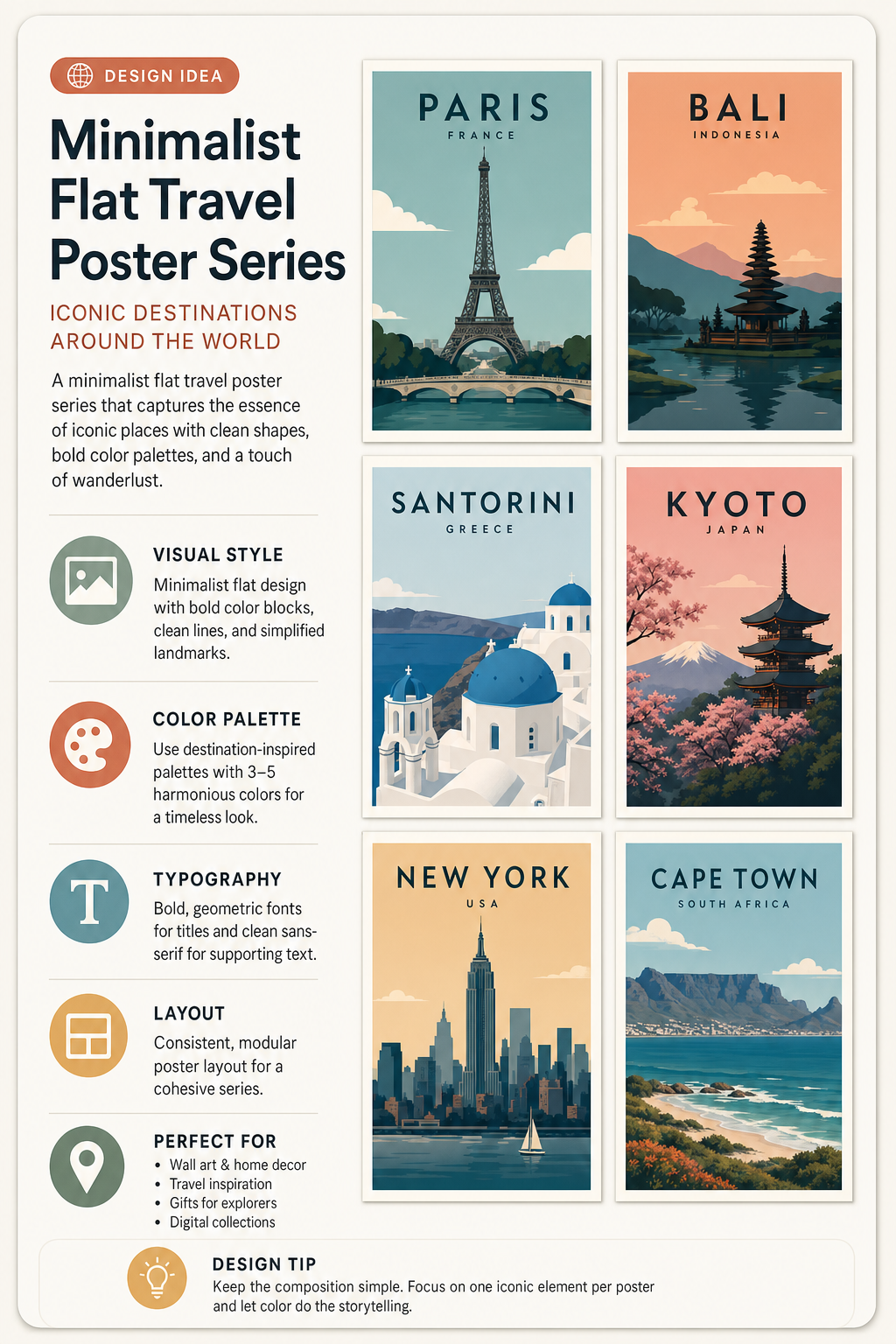
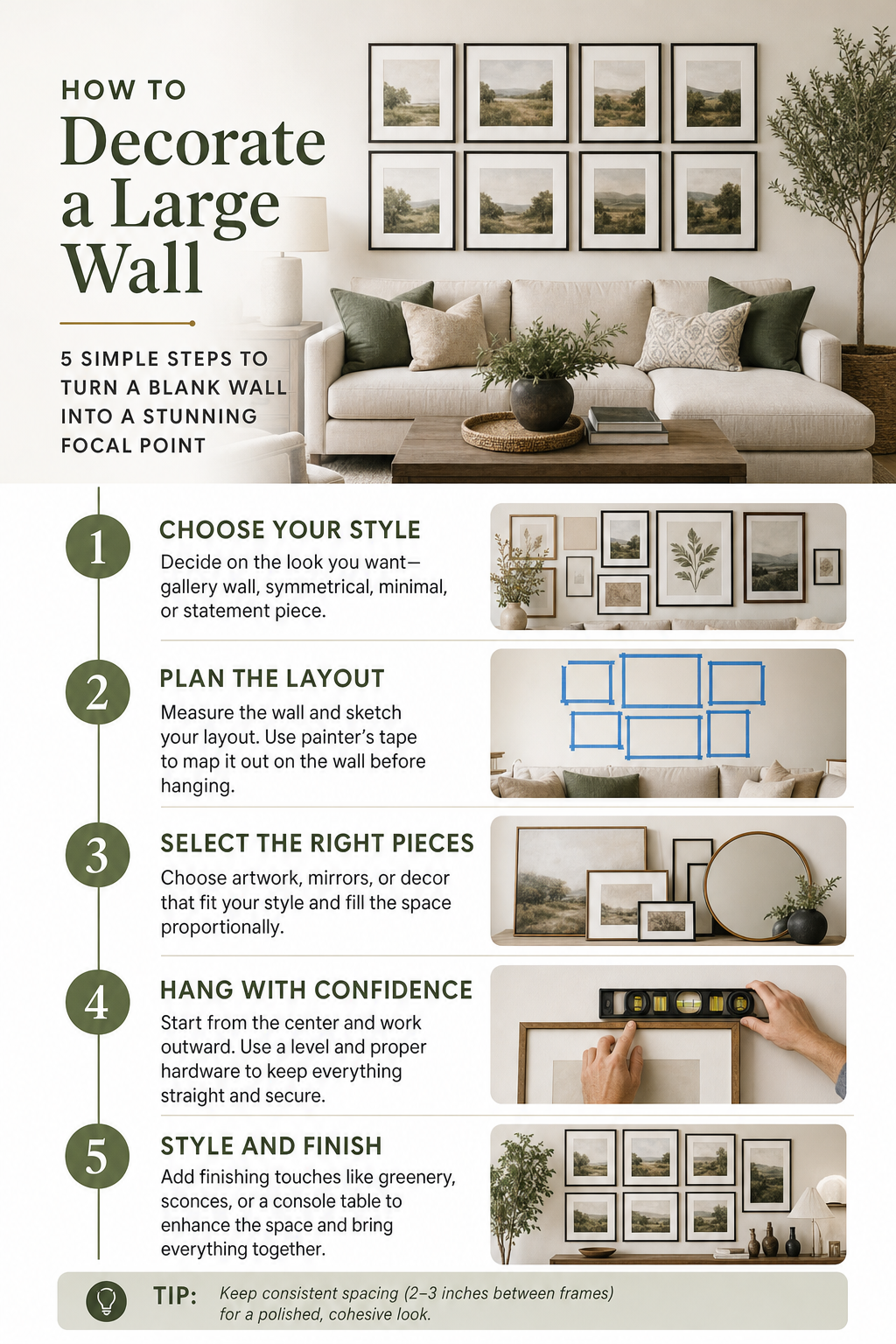
To generate a professional packaging illustration sheet with GPT Image 2, craft a prompt that includes a centered 3D rendering with realistic materials and soft studio lighting. Surround it with technical views: front, side, top, bottom, oblique perspective, and flat position. Add structural sketches, crease lines, seam details, and size arrows in millimeters. Specify handwritten annotations for materials and finishes (e.g., matte, glossy, plastic, paper, glass). Include color swatches, realistic product illustrations, and subtle shadows. Use a clean sketchbook background and a mix of realistic rendering and pencil sketch style for a modern,