
A tutorial-style framework for choosing GPT Image 2 or Gemini based on image type, prompt risk, text accuracy, cost, latency, and production review effort.
# GPT Image 2 vs Gemini: A Step-by-Step Model Selection Tutorial
A tutorial-style framework for choosing GPT Image 2 or Gemini based on image type, prompt risk, text accuracy, cost, latency, and production review effort.
Key takeaways
- Choose the model by following a repeatable checklist: asset type, failure mode, prompt constraints, review cost, and scale.
- GPT Image 2 should lead when text accuracy and structure are high-risk.
- Gemini should be tested when speed, breadth, and cost matter more than exact prompt execution.
- The final decision should use total accepted-asset cost, not isolated generation price.
Step 1: classify the asset
Before comparing GPT Image 2 and Gemini, name the asset. Is it a product image, poster, UI mockup, blog hero, ad creative, lifestyle scene, character concept, or batch of rough drafts? This first step prevents a common mistake: judging one model with a task that does not match the work you actually need.
If the asset contains embedded words, structured layout, interface elements, product labels, or a strict brand brief, put it in the precision category. GPT Image 2 should be tested first. If the asset is a mood image, general background, broad concept, or low-risk draft, put it in the exploration category. Gemini may be the faster first test.
This classification is intentionally simple. A good model-selection process should be usable by marketers, designers, developers, and content operators without turning every image request into a research project.
Step 2: write down the failure mode
Every image task has a failure mode. For a poster, the headline may be unreadable. For a UI mockup, the hierarchy may collapse. For a product image, the label may drift. For a lifestyle scene, the risk may simply be that the result feels generic. The model choice should follow the failure mode.
GPT Image 2 is stronger when the failure mode is precision. It is better suited to prompts where the image must preserve words, object relationships, layout regions, or multiple constraints. That makes it valuable even when it costs more, because fewer failed outputs move into review.
Gemini is stronger when the failure mode is creative shortage or slow iteration. If the main risk is not having enough directions to choose from, fast variation matters. A model that produces many plausible concepts quickly can be the better tool at that stage.
Step 3: tune the prompt for the model
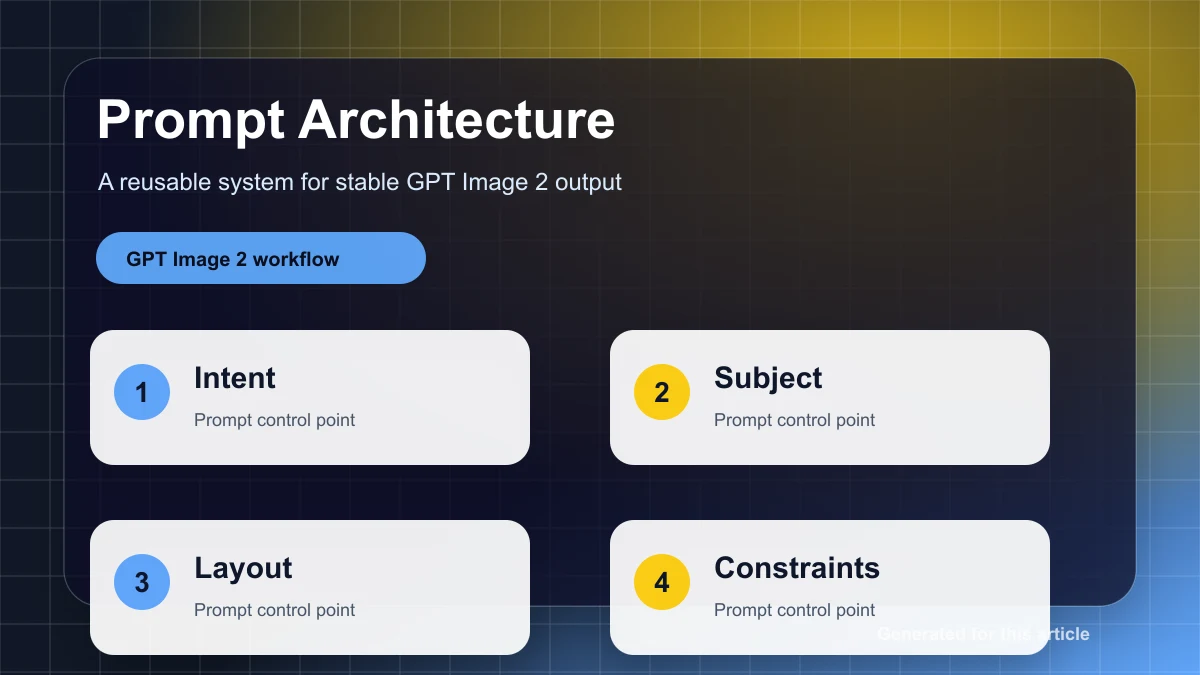
Do not benchmark both models with a lazy prompt. A fair test gives each model instructions in the format it handles best. For GPT Image 2, use a structured prompt: canvas, subject, layout, required text, style, constraints, and what to avoid. The goal is a controlled candidate.
For Gemini, use a more exploratory prompt when the task allows it. Ask for a mood, setting, material quality, lighting direction, or several composition possibilities. The goal is breadth. If one direction works, convert it into a stricter prompt for the next stage.
This step alone improves results. Many model comparisons are really prompt-comparison failures. The same words can underperform in one model and work well in another because the model expects a different kind of instruction.
Step 4: measure accepted outputs
Generate multiple candidates and count accepted outputs. Do not only save the best image. Record how many attempts were needed before the result matched the brief closely enough to use. This accepted-output rate is more useful than a screenshot comparison.
For text-heavy prompts, GPT Image 2 may reduce retries even if the per-image price is higher. For loose photorealistic prompts, Gemini may produce enough acceptable options at lower cost. The winner changes with the asset type, which is why a routing checklist matters.
Also record review time. A model that produces images requiring fewer corrections may be cheaper at the team level even if it looks more expensive in the API or tool interface.
Step 5: decide the default route
After ten to twenty real prompts, assign default routes. Use GPT Image 2 for text, UI, packaging, diagrams, comparison visuals, and brand-sensitive graphics. Use Gemini for ideation, high-volume drafts, mood boards, generic scenes, and cases where final text will be added later in a design tool.
Keep exceptions possible. A complex photorealistic product scene may still need GPT Image 2 if the label matters. A simple visual with no words may not need the strictest model. The route should be clear enough to automate but flexible enough for edge cases.
Document the rule in plain language. A good rule sounds like: 'If wrong text would make the asset unusable, route to GPT Image 2. If the user needs many rough options and no embedded words, route to Gemini first.'
Step 6: rerun the test when models change
Image models change quickly. A decision made once should not become permanent infrastructure. Keep the benchmark prompts, rerun them after major model updates, and compare accepted-output rate again. This prevents old assumptions from controlling new workflows.
The source comparison shows GPT Image 2 as a strong quality leader, especially for the kinds of visual tasks that punish weak prompt adherence. That is a meaningful starting point. It is not a reason to stop measuring your own pipeline.
The durable practice is a small benchmark, a clear routing policy, and separate prompts for each model. With that system, GPT Image 2 vs Gemini becomes an operational choice instead of a recurring argument.
Field checklist for tutorial decisions
Use this article as a working checklist, not a static verdict. For GPT Image 2 vs Gemini: A Step-by-Step Model Selection Tutorial, the first check is whether the image has a measurable acceptance condition. A measurable condition can be a readable phrase, a fixed layout, a recognizable product detail, a required art direction, or a maximum number of retries. If the acceptance condition is vague, both models can appear to perform well while the team still has no reliable publishing rule.
The second check is whether the prompt can be made repeatable. Save the exact prompt, the model path, the accepted output, and the reason it passed. For GPT Image 2 tutorial, Gemini, AI image workflow, this habit matters because small prompt changes can create large output changes. A repeatable prompt library gives the team a way to improve results over time instead of restarting from intuition on every asset.
The third check is whether the output can move directly into the next production step for tutorial. If the person responsible for GPT Image 2 tutorial must rebuild the important parts manually, the generation was only a sketch. That may still be useful, but it should be priced and routed like exploration. When the image can move into review with only light edits, it belongs in the production lane for this article's use case.
Common mistakes to avoid
Do not compare one best GPT Image 2 result against one best Gemini result. Compare the full attempt history. A model that needs fewer retries is often the better operating choice even if another model occasionally produces a stunning outlier. This is especially important for tutorial workflows, where the team needs predictable throughput rather than isolated showcase images.
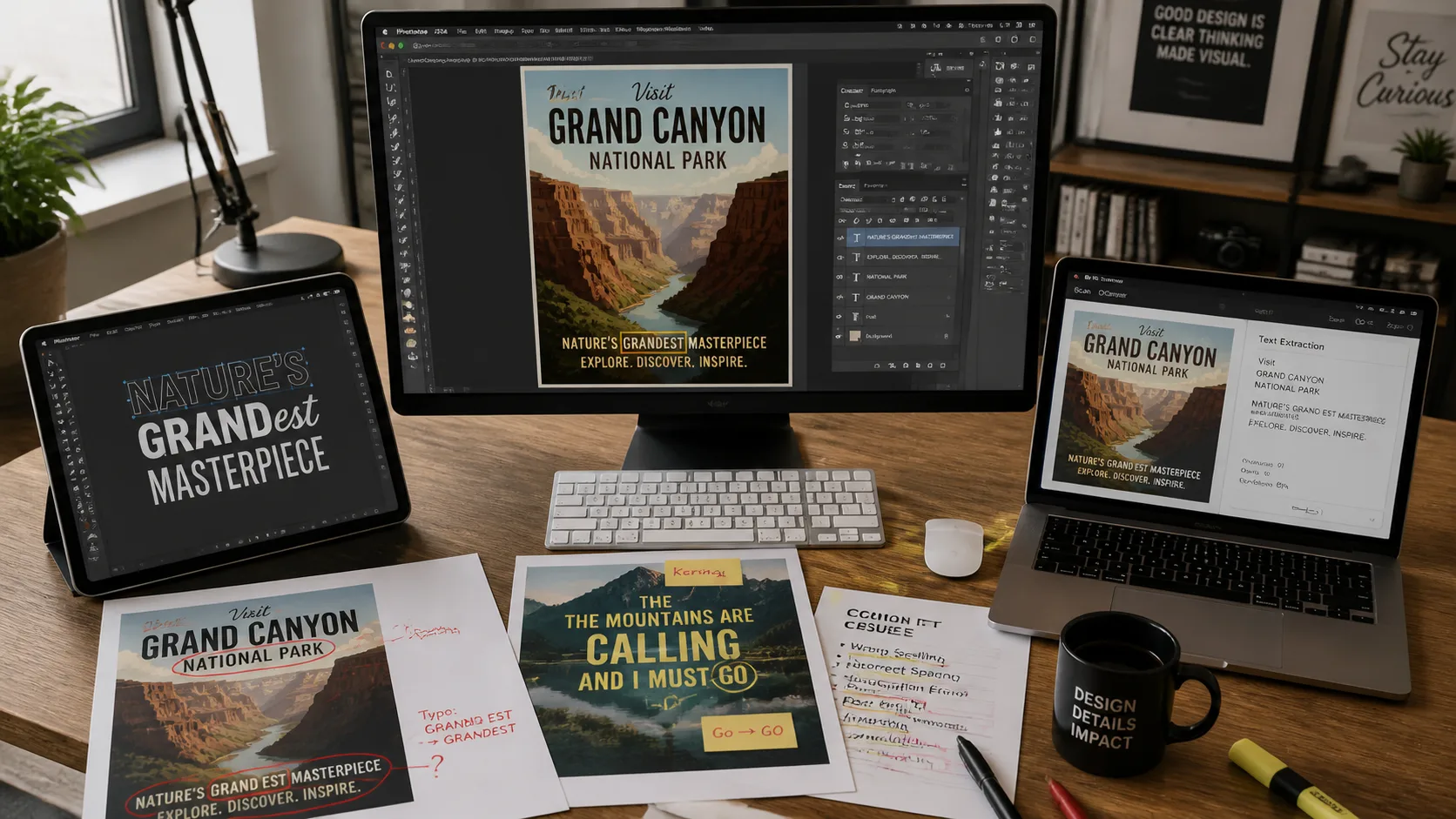
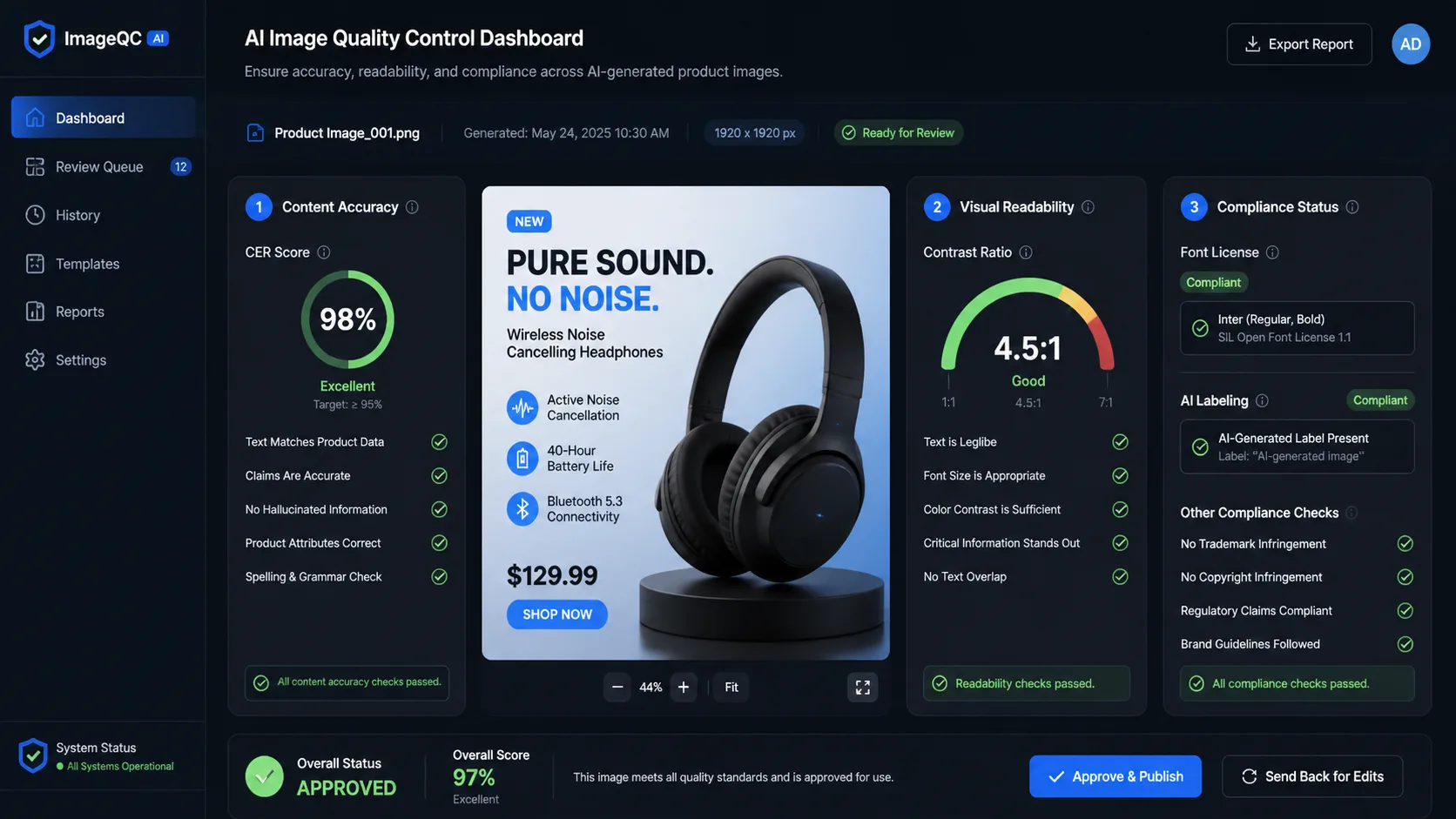
Do not ignore the reviewer's job for GPT Image 2 vs Gemini: A Step-by-Step Model Selection Tutorial. A reviewer must check text, subject accuracy, layout, policy risk, brand fit, and whether the visual matches the channel where it will appear. The model that makes those checks faster creates business value for tutorial. The model that looks impressive but adds uncertainty creates hidden cost.
Finally, do not let the benchmark replace judgment in tutorial. Benchmarks explain where to start; real prompts explain what to ship. Treat GPT Image 2 and Gemini as tools with different operating profiles, then build a lightweight route that matches each GPT Image 2 tutorial request to the model least likely to fail in that context.
Before publishing a decision, run one last sanity check against the actual channel. A blog hero, social graphic, ecommerce image, and UI concept are judged in different contexts. For GPT Image 2 vs Gemini: A Step-by-Step Model Selection Tutorial, the winning model is the one that keeps the image useful after it is resized, cropped, reviewed, and placed next to real page copy. That final placement test catches failures that are easy to miss when looking only at a full-size generated image.
Keep the notes short enough that the team will actually use them. A useful record has the prompt, model, number of attempts, accepted image, rejection reason, and next action. Over time, those notes show whether GPT Image 2 vs Gemini: A Step-by-Step Model Selection Tutorial is pointing toward a stable default route or whether the team needs separate rules for different image classes.
Frequently asked questions
What is the fastest way to choose between GPT Image 2 and Gemini?
Classify the asset, name the failure mode, run five to ten real prompts, and compare accepted-output rate plus review time.
When should GPT Image 2 be the default?
Use GPT Image 2 when wrong text, broken layout, or weak prompt adherence would make the image unusable.
When should Gemini be the default?
Use Gemini first for mood boards, broad ideation, generic scenes, and high-volume drafts where exact embedded text is not required.
How often should I retest models?
Retest after major model updates or when your workload changes. Keep a small benchmark set so the comparison stays cheap.