一份偏工程化的 GPT Image 2 提示词指南:用 JSON 架构、变量、版式约束、失败调试和迭代记录,提高图片生成稳定性。
稳定出图不是靠“神奇提示词”,而是靠可重复的结构。把任务、变量、版式、文字和质检拆开,模型才不需要猜你的优先级。
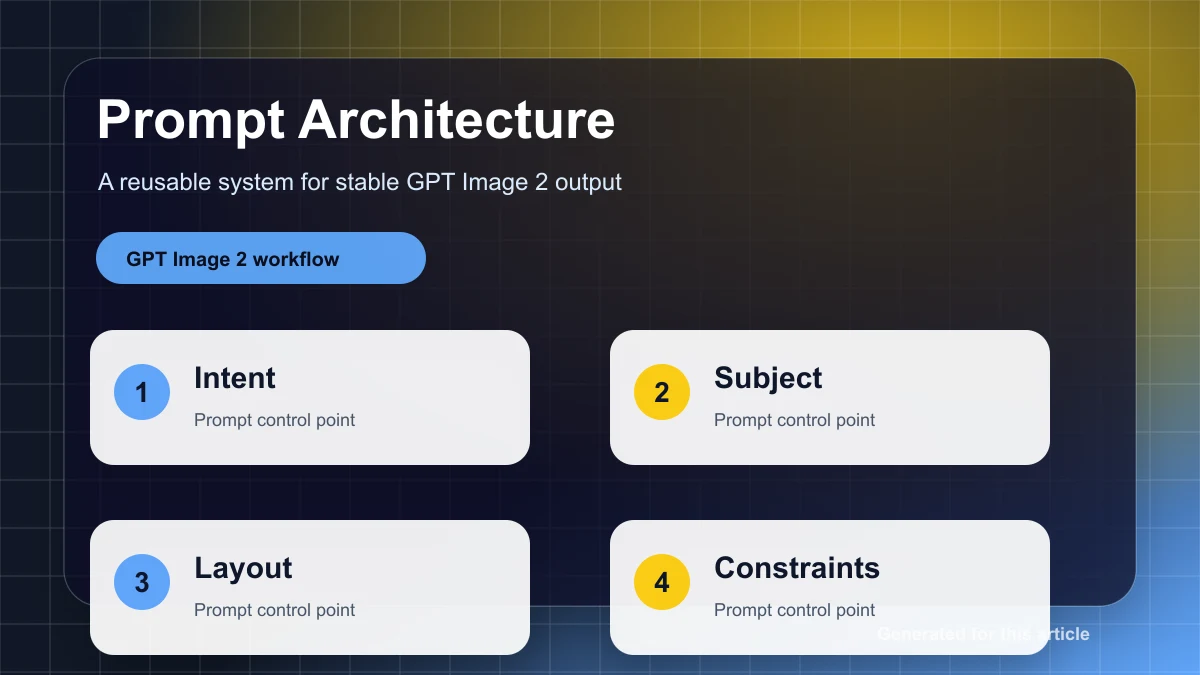
把提示词拆成五层架构
一段自然语言提示词容易失控,因为产品、场景、版式、风格、文字和限制混在一起。更稳定的做法是固定五层:job 定义出图任务;inputs 放可替换变量;layout 管构图;style 管视觉语言;qa 管输出标准。每次只替换变量,不重写整段提示词。
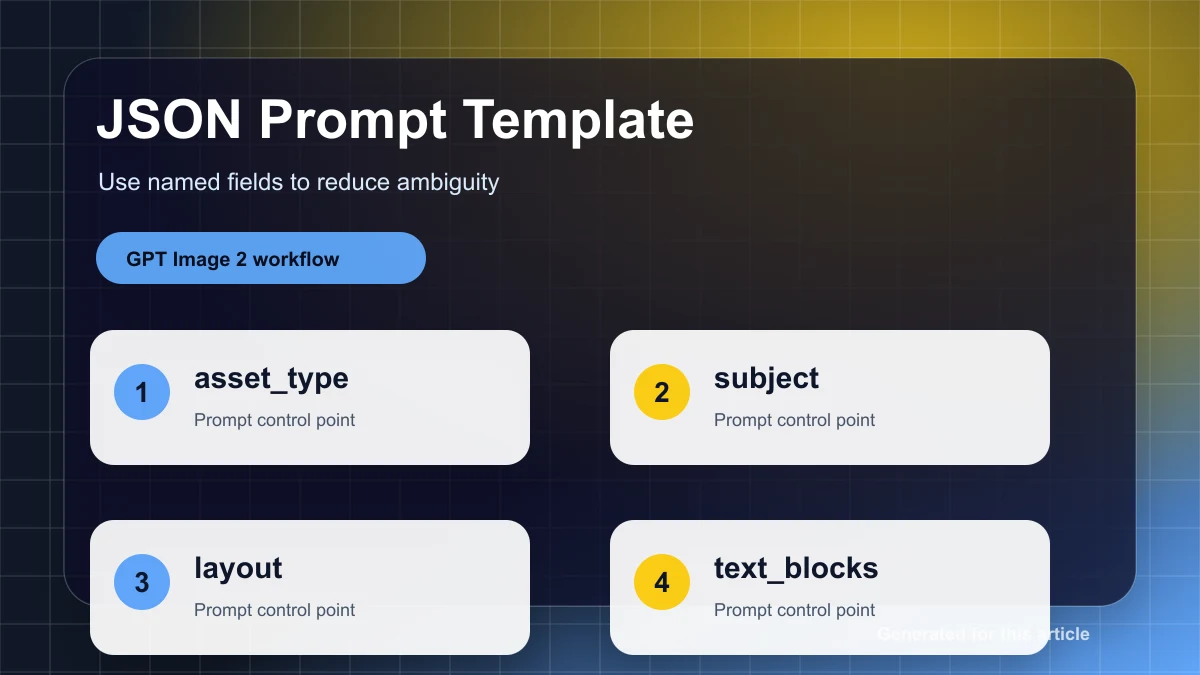
{
  "job": "create a product hero image for a landing page",
  "inputs": {
    "product_name": "{{product_name}}",
    "audience": "{{target_customer}}",
    "offer": "{{offer}}",
    "language": "{{language}}"
  },
  "layout": {
    "aspect_ratio": "{{aspect_ratio}}",
    "focal_point": "product centered, headline above",
    "negative_space": "clear right side for CTA and proof badge"
  },
  "style": {
    "lighting": "soft commercial studio light",
    "palette": "{{brand_palette}}",
    "finish": "premium, realistic, clean edges"
  },
  "text_rules": {
    "headline": "{{headline}}",
    "max_words": 6,
    "must_be_readable": true
  },
  "qa": [
    "product identity preserved",
    "headline readable at mobile size",
    "no fake logo or random text",
    "layout can be reused for the next campaign"
  ]
}
把高风险内容变成变量
产品名、促销语、日期、语言、品牌色和尺寸最容易在长提示词里被误改。把它们写成变量后,你可以先审核变量表,再生成图片。这比在一段 300 字提示词里找错更可靠。
| Variable | Use | Rule |
|---|---|---|
{{product_name}} | product or service name | exact spelling only |
{{headline}} | visible title text | short, no paraphrase |
{{brand_palette}} | visual consistency | use approved colors |
{{aspect_ratio}} | channel output | one ratio per run |
{{negative_space}} | design space | specify side and purpose |
失败调试矩阵
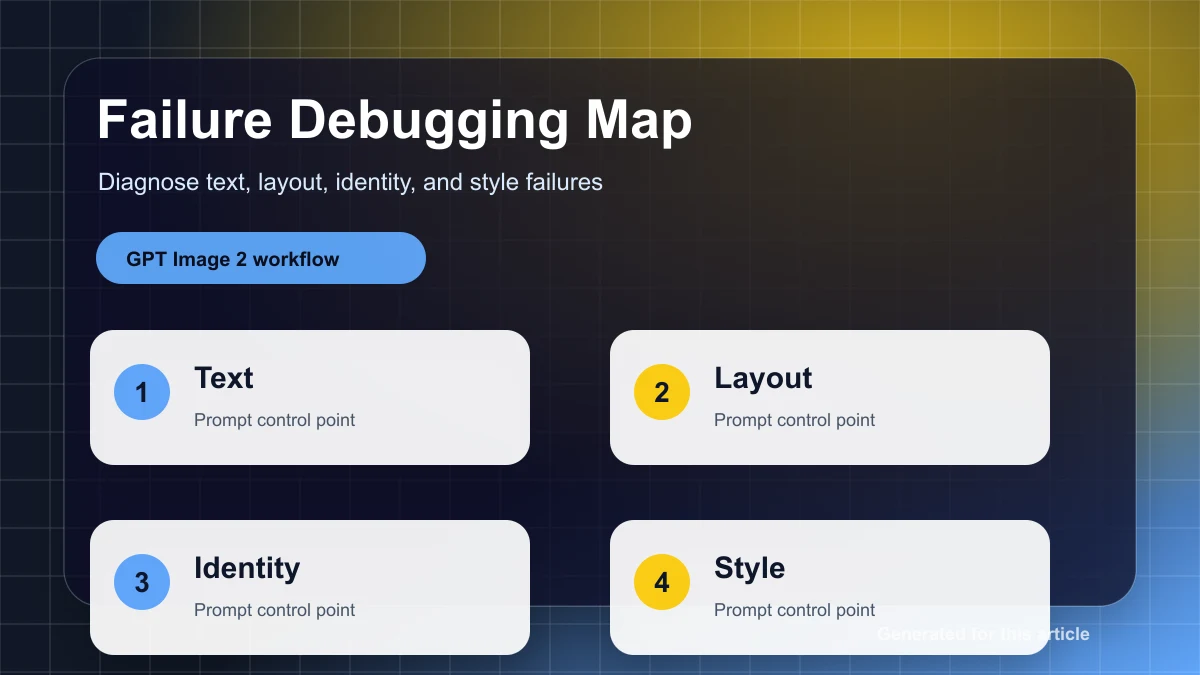
不要用“更好看一点”修图。先判断是哪一类失败:产品漂移、版式漂移、文字失败、风格过度、信息拥挤。每种失败对应不同修复方式。产品漂移要收紧 reference preservation;版式漂移要指定 focal point 和 negative space;文字失败要缩短文案;风格过度要删掉多余形容词;信息拥挤要减少同屏任务。
建立迭代记录,而不是凭感觉重试
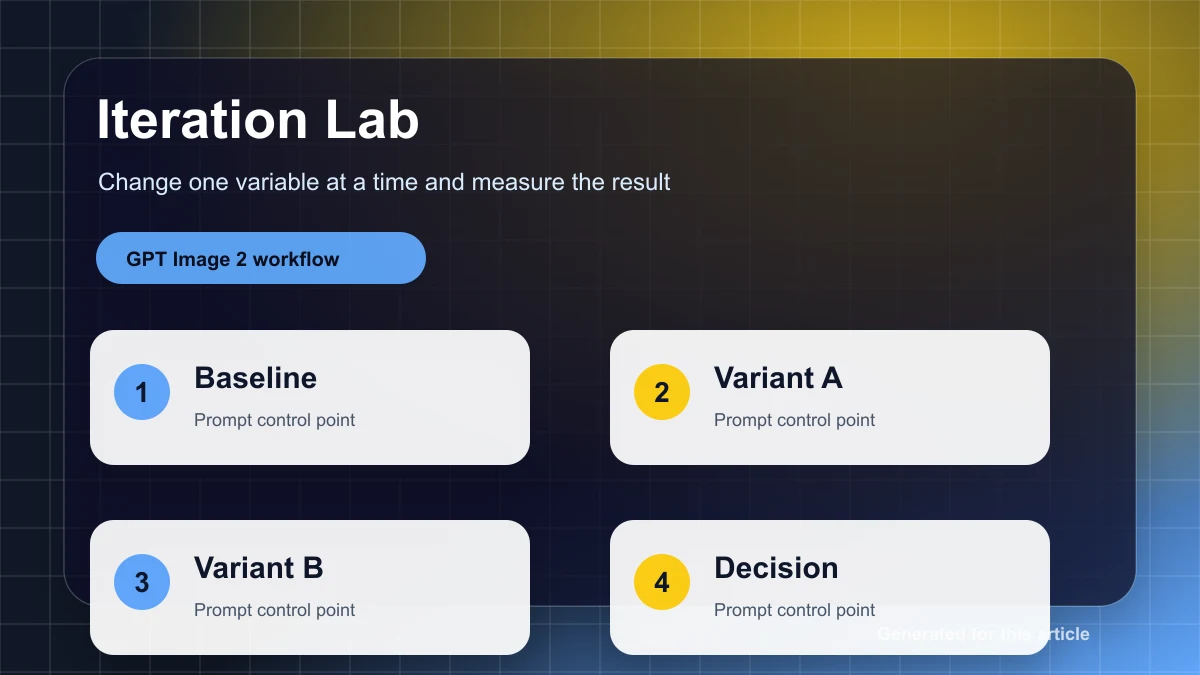
Iteration log
V1 goal: [what the prompt tried to do]
Problem: [what failed visibly]
Change: [one prompt change only]
Keep: [what must not change from the best result]
Decision: [ship / revise / discard]
一次只改一个因素。你如果同时改角度、背景、文字和风格,就无法知道是哪一个改动让结果变好或变坏。稳定出图的核心是可观察的迭代,而不是一次塞更多要求。
你可以在 gpt-image2ai.net 把这套架构用于海报、商品图、社媒图和多语言活动素材。