A technical GPT Image 2 prompt engineering guide for stable image output using JSON prompt architecture, variables, layout constraints, failure debugging, and iteration logs.
Stable AI images rarely come from one lucky sentence. They come from a reusable structure: define the job, lock the variables, constrain the layout, debug failures, and record iterations.
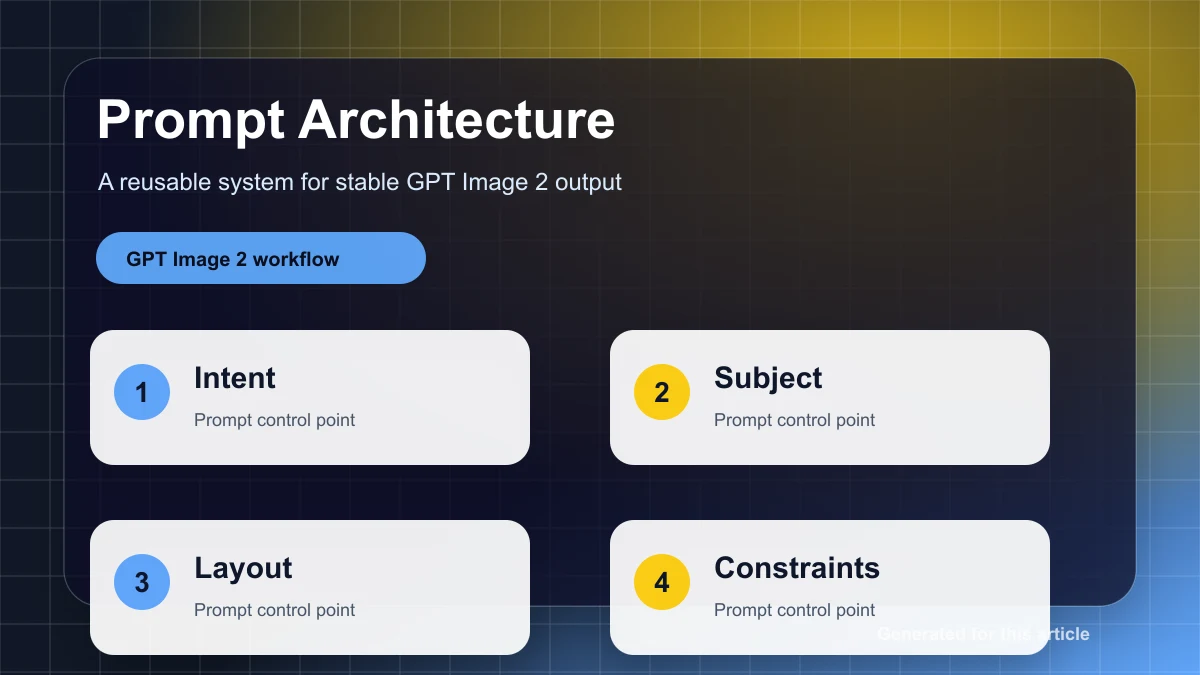
Use a five-layer prompt architecture
A loose paragraph forces the model to guess priorities. A stable prompt separates the job, inputs, layout, style, and QA rules. The team changes variables while the structure stays the same, so outputs become easier to compare and reuse.
{
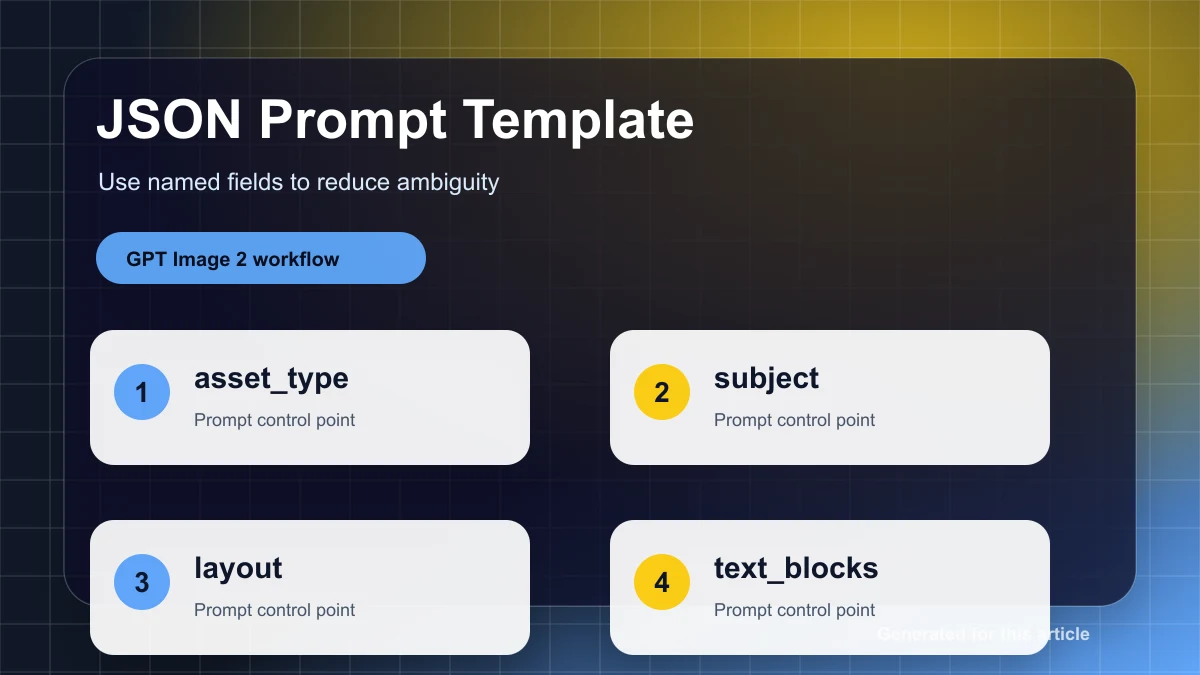
  "job": "create a product hero image for a landing page",
  "inputs": {
    "product_name": "{{product_name}}",
    "audience": "{{target_customer}}",
    "offer": "{{offer}}",
    "language": "{{language}}"
  },
  "layout": {
    "aspect_ratio": "{{aspect_ratio}}",
    "focal_point": "product centered, headline above",
    "negative_space": "clear right side for CTA and proof badge"
  },
  "style": {
    "lighting": "soft commercial studio light",
    "palette": "{{brand_palette}}",
    "finish": "premium, realistic, clean edges"
  },
  "text_rules": {
    "headline": "{{headline}}",
    "max_words": 6,
    "must_be_readable": true
  },
  "qa": [
    "product identity preserved",
    "headline readable at mobile size",
    "no fake logo or random text",
    "layout can be reused for the next campaign"
  ]
}
Turn risky details into variables
Product names, offers, dates, languages, brand colors, and aspect ratios are easy to damage inside a long prompt. Put them in a variable table first, review the table, then generate. This is faster than hunting for mistakes in a 300-word prompt.
| Variable | Use | Rule |
|---|---|---|
{{product_name}} | product or service name | exact spelling only |
{{headline}} | visible title text | short, no paraphrase |
{{brand_palette}} | visual consistency | use approved colors |
{{aspect_ratio}} | channel output | one ratio per run |
{{negative_space}} | design space | specify side and purpose |
Debug failures by category
Do not fix images with vague instructions like make it better. Classify the failure first. Product drift needs stronger reference preservation. Layout drift needs a stricter focal point and negative space rule. Text failure needs shorter copy. Over-styling needs fewer adjectives. Clutter needs fewer jobs in the same image.
Keep an iteration log
Iteration log
V1 goal: [what the prompt tried to do]
Problem: [what failed visibly]
Change: [one prompt change only]
Keep: [what must not change from the best result]
Decision: [ship / revise / discard]
Change one thing at a time. If you change angle, background, copy, and style together, you cannot tell which change helped. Stable output comes from observable iteration, not from stuffing more instructions into the prompt.
Use gpt-image2ai.net to apply this prompt architecture to posters, product images, social creatives, and multilingual campaign assets.